



A hair salon isn’t one business. It’s five or six businesses sharing a front desk.
You’ve got color services that can run anywhere from 45 minutes to three hours depending on hair length and formula. You’ve got cutting-only clients who are in and out in 20 minutes.
You’ve got retail sitting on shelves that needs to move. You’ve got stylists who each book differently, some by walk-in, some booked out six weeks.
And you’ve got commission math that changes by stylist, by service, by product.
Most booking software was built for businesses with one kind of appointment. Hair salons don’t have that luxury.
PandaCue was built around the idea that a salon’s calendar, retail counter, and payroll all need to talk to each other, because in a real salon, they already do.
What a Hair Salon Actually Needs From Its Software
Here’s the honest list, based on how salons operate day to day, not how software vendors describe features.
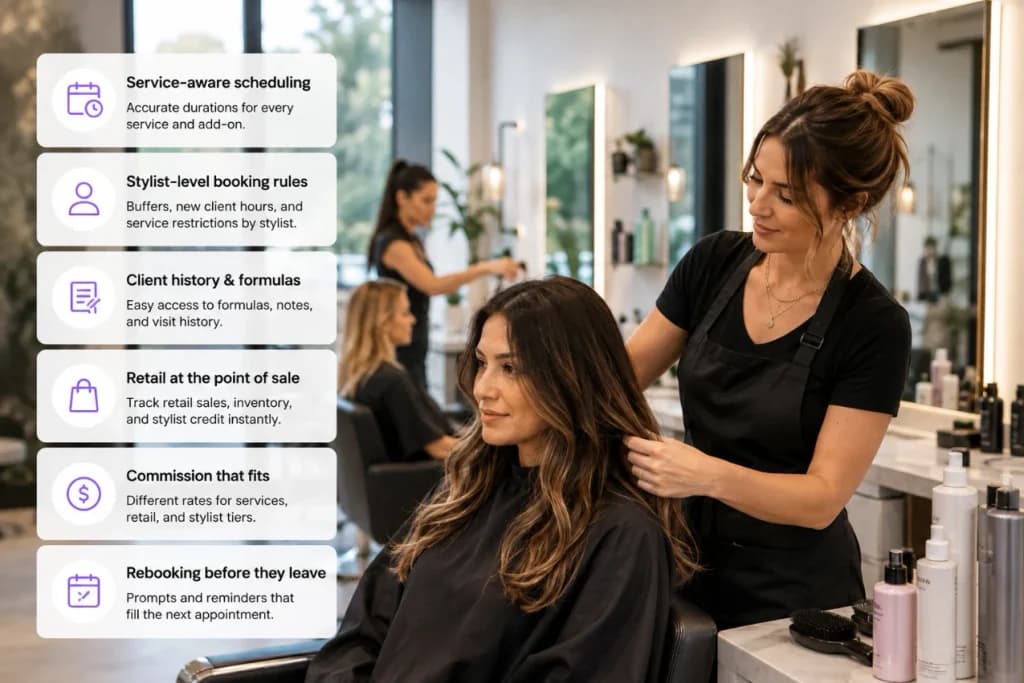
Service-aware scheduling
A haircut and a full head of highlights aren’t the same appointment. The system needs to know that, automatically, based on the service booked.
Stylist-level booking rules
Some stylists want back-to-back bookings. Others need buffer time between clients. Some only see new guests during specific hours. Booking rules should live at the stylist level, not just the salon level.
Client formula and history notes
A colorist needs to see last visit’s formula, processing time, and any reaction notes before the client sits down. That history should be attached to the client record permanently, not written on an index card.
Retail tracked at the point of sale
Shampoo, styling product, and tools sold at checkout should count toward commission and inventory the moment they’re rung up.
Commission that matches how you actually pay
Many salons pay different commission rates for services versus retail, and different rates by stylist tier. The payroll math needs to reflect that without a manager recalculating it by hand.
Rebooking that happens before the client leaves
The single biggest lever for salon revenue is getting the next appointment on the books before someone walks out the door.
How PandaCue Handles Hair Salon Scheduling
PandaCue lets you set service durations by type, so a root touch-up and a full color correction don’t get squeezed into the same slot by accident.
Each stylist’s calendar can carry its own rules for buffer time, new client hours, and which services they’re qualified to book, so the calendar protects their time instead of just filling it.

Online booking mirrors those same rules. A client booking a keratin treatment online sees realistic availability based on how long that service actually takes at your salon, not a generic 30-minute default.
That alone cuts down on the “sorry, we need to reschedule you” calls that eat into a front desk’s morning.
For color-heavy salons, client notes and formula history sit right on the appointment, so a stylist opens the day’s schedule and already knows what’s coming, no digging through paper files or texting the previous stylist.
Connecting the Chair to the Retail Counter
Retail is often the most under-tracked part of a hair salon’s revenue.
A client buys a bottle of purple shampoo on their way out, it gets rung up quickly, and by the end of the month nobody can say which stylist recommended it or how much retail actually contributed to the shop’s total sales.

PandaCue’s point of sale ties retail purchases to the appointment and the stylist who’s credited with the sale.
That means retail commission calculates itself, and you get a real picture of which stylists are driving product sales, not just service revenue.
Managers can see that picture without pulling a separate retail report and cross-referencing it against the appointment book.
Setting Up a Hair Salon in PandaCue: A Practical Walkthrough
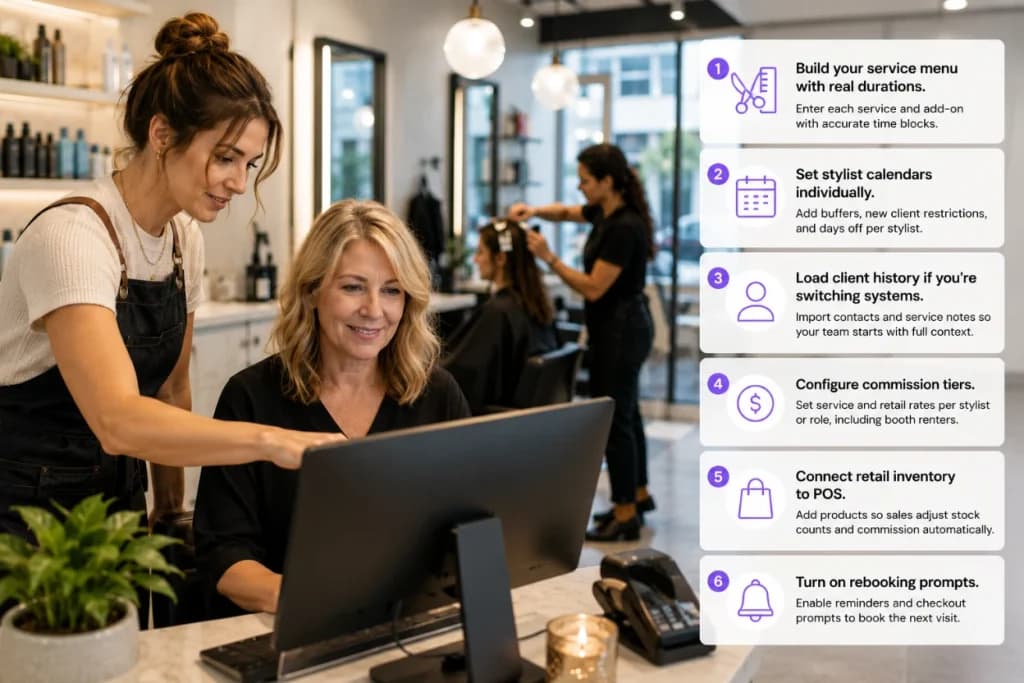
- Build your service menu with real durations. Enter each service, including add-ons like toner or gloss, with accurate time blocks. This is the single most important setup step, since everything downstream depends on it.
- Set stylist calendars individually. Add booking buffers, new client restrictions, and days off per stylist rather than applying one blanket schedule.
- Load client history if you’re switching systems. Import existing client contact info and, where possible, prior service notes so your team isn’t starting from zero on day one.
- Configure commission tiers. Set service and retail commission rates per stylist or per role, including any booth renter arrangements.
- Connect retail inventory to POS. Add your retail products so sales at checkout automatically adjust stock counts and commission.
- Turn on rebooking prompts. Enable automated reminders or checkout prompts that encourage the next booking before the client leaves.
Common Gaps When Salons Switch Systems
Salons moving off paper books or a basic app tend to skip the same two steps.
First, they don’t set individual stylist booking rules, so the new system books everyone the same way the old one did, and the advantages of smarter scheduling never show up.

Second, they don’t migrate client formula notes, which means colorists lose months of history overnight.
Both are avoidable. Spend the extra hour during setup entering stylist-specific rules and importing whatever notes you have, even if they’re incomplete. It pays off within the first few weeks.
FAQs
Does PandaCue work for salons with booth renters and commissioned stylists on the same team?
Yes. Booth renters can be tracked separately from commissioned staff, so rent, service revenue, and commission don’t get mixed together in reporting or payroll.
Can each stylist have different appointment lengths for the same service?
Yes. Service durations can be adjusted at the stylist level, which matters for salons where a senior colorist works faster than a newer team member on the same service.
Will retail sales automatically show up in commission calculations?
Yes, when retail is sold through PandaCue’s point of sale and tied to a stylist, it flows into commission and payroll without manual entry.
Is client color and formula history kept for future visits?
Yes. Notes attached to a client’s profile carry forward, so any stylist working with that client can see prior formulas and processing details.
Can clients book online and choose their preferred stylist?
Yes. Online booking reflects each stylist’s real schedule, including buffer time and new client restrictions, so availability shown online matches what’s actually open.
How long does it take to set up a salon in PandaCue?
Most single-location salons can complete setup, including service menus and stylist calendars, within a few days. Salons migrating detailed client history from another system may need extra time depending on how much data needs importing.
Running a Tighter Salon Starts With Fewer Systems
A hair salon doesn’t need more software. It needs one system that understands how a salon actually operates, from the chair to the retail shelf to the paycheck.
When scheduling, retail, and payroll pull from the same source, your team spends less time reconciling numbers and more time with clients.