


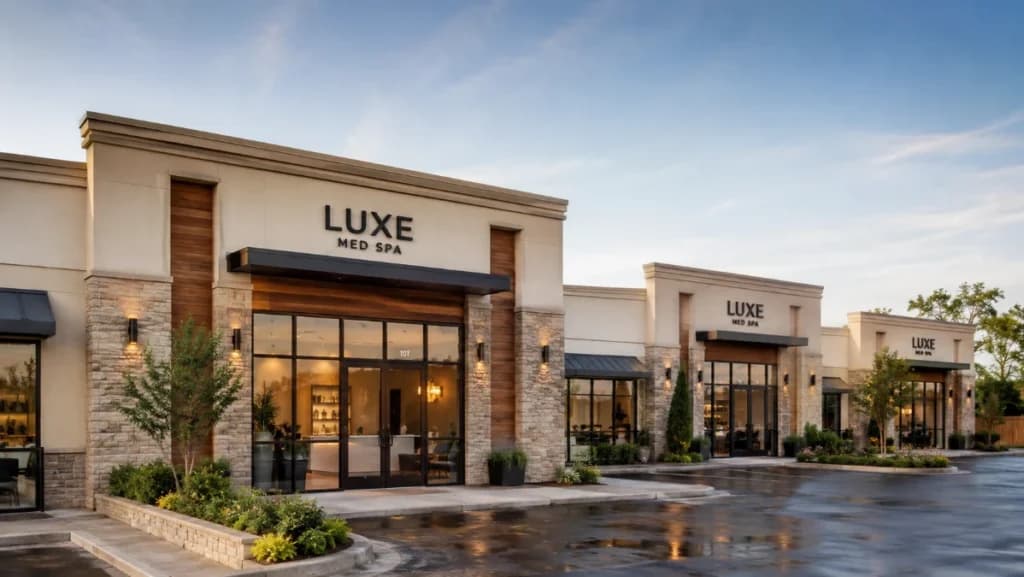
Opening a second location changes everything about how you run your business. Suddenly you’re not managing one calendar, one team, and one set of numbers.
You’re managing several, and they all need to talk to each other.
PandaCue’s multi-location tools let you run every site from a single account One login.
One client list. One set of reports that roll up across all your locations, with the detail to drill down into any one of them.
Why Multi-Location Gets Complicated Fast
A single-location salon or spa is simple to run by feel. You know your regulars, your staff, and your numbers without much effort.
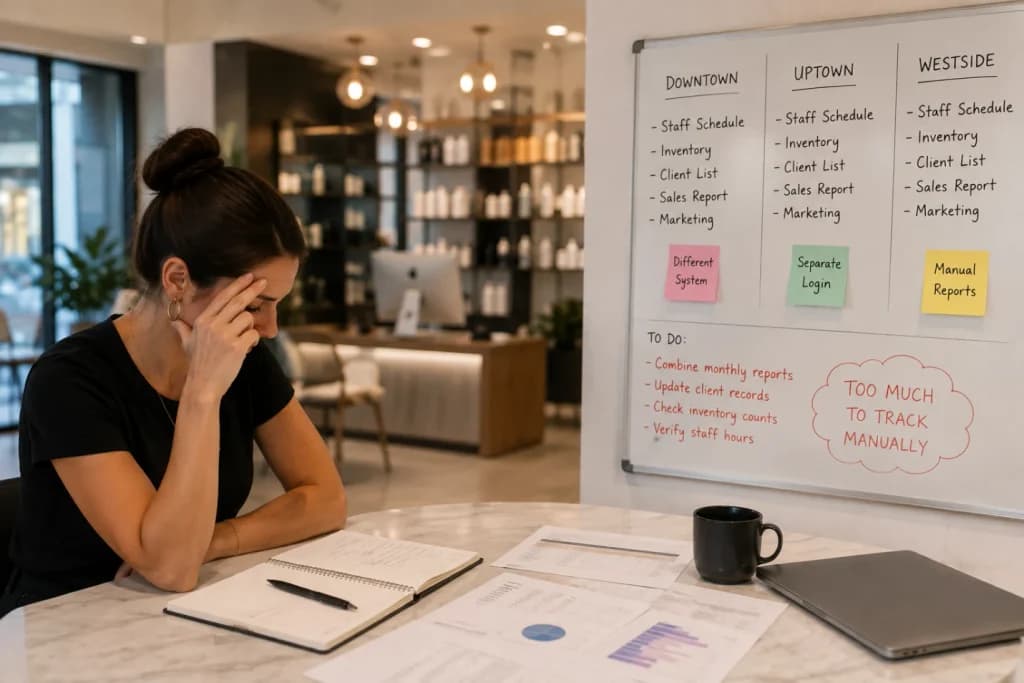
Add a second address and that intuition stops working. Clients book at whichever location is closer to them that week. Staff sometimes cover shifts at both sites.
Inventory sits in two stockrooms instead of one, and nobody’s quite sure which location is actually more profitable until someone builds a spreadsheet to find out.
Most salon software wasn’t built for this.
It treats each location as its own separate account, which means separate logins, separate client records, and separate reports that someone has to manually stitch together every month.
What Actually Needs to Connect Across Locations
Not every part of a multi-site business needs to be shared. Some things should stay local. Others need to be unified, or the whole operation gets harder to run, not easier.

Client profiles. A client who visits your downtown location and later books at your uptown one should be recognized instantly, with her full visit history, notes, and preferences intact.
She shouldn’t have to explain her allergy history twice because the system treated her as a new person.
Staff and scheduling. If a stylist or injector splits time between two locations, their calendar should reflect both without double-booking.
Front desk teams need to see availability across sites when a client asks, “Do you have anything sooner at the other location?”
Inventory. Each location holds its own stock, but owners need visibility across all of them. If one site is overstocked on a retail product while another is out, that’s a transfer waiting to happen, not a reorder.
Reporting. This is where most systems fall short. Owners need a combined view of revenue, retention, and staff performance across the whole business, plus the ability to isolate any single location’s numbers when something looks off.
Permissions. A location manager should see and manage their own site. A regional or company-level owner should see everything.
PandaCue’s role-based access handles this without forcing every staff member into an all-or-nothing view of the business.
How PandaCue Handles Multi-Location in Practice
Inside PandaCue, locations live under one account instead of being set up as separate businesses.
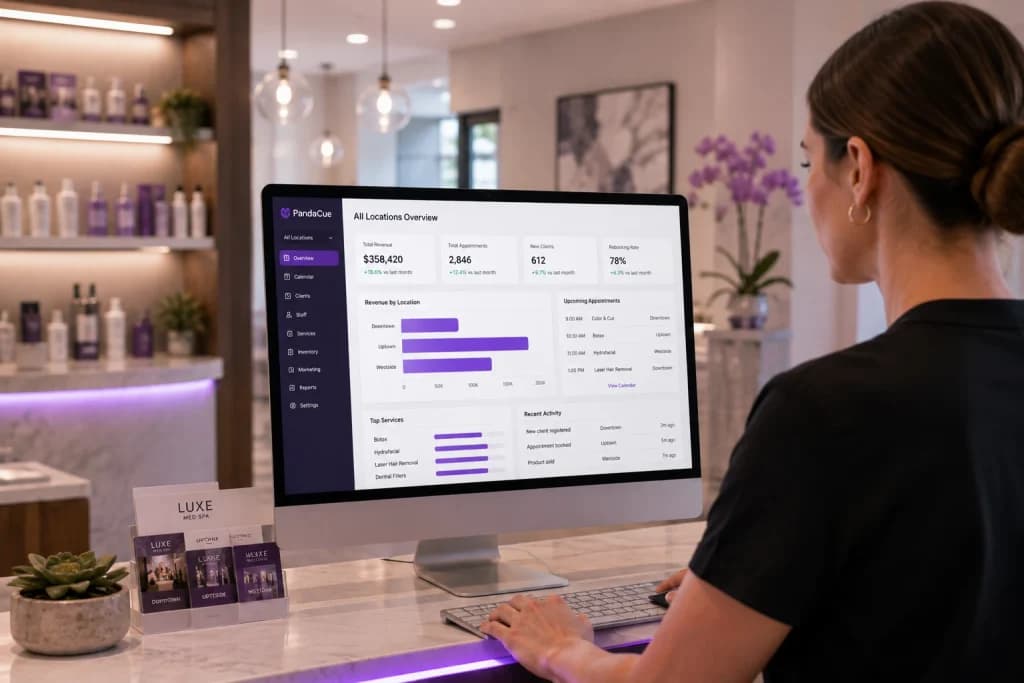
Clients, staff, and services are shared across the group, but each location keeps its own calendar, inventory, and hours.
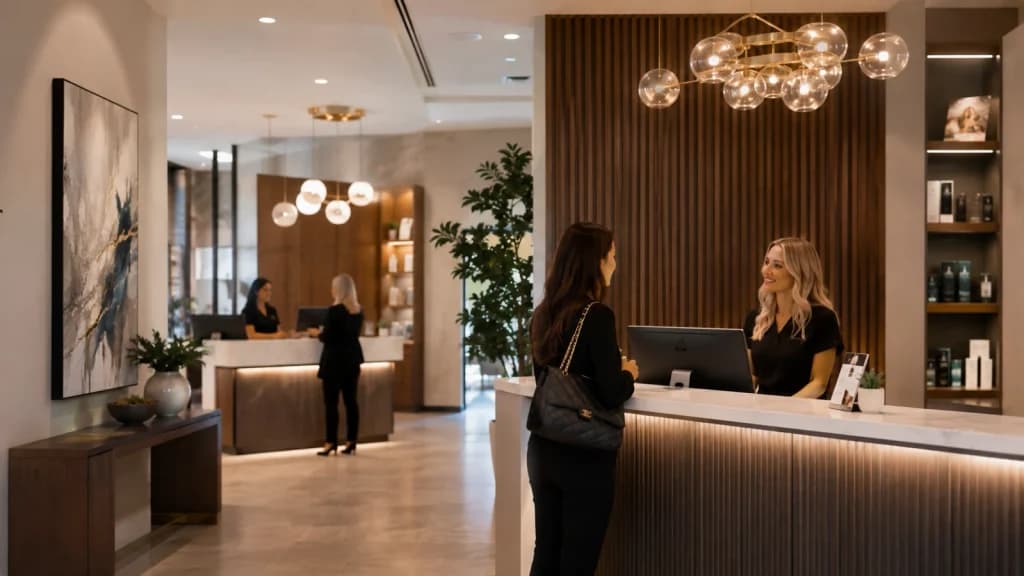
A client can book at whichever location works for them through online booking, and the system recognizes them either way.
Staff who work at more than one site get one login and one schedule that reflects both locations, so nobody’s double-booked by accident.
For reporting, owners get a combined dashboard across all locations plus the option to filter down to one site at a time.
That means you can compare rebooking rates between locations, spot which site is carrying the group on retail sales, and catch a staffing gap before it turns into lost revenue.
Marketing and automated flows can run group-wide or target a single location.
A birthday campaign might go out to your whole client base, while a “we miss you” flow only fires for clients tied to the location they haven’t visited in 90 days.
A Quick Scenario
Say you run three locations and one of them consistently books out two weeks in advance while another has open slots most days.
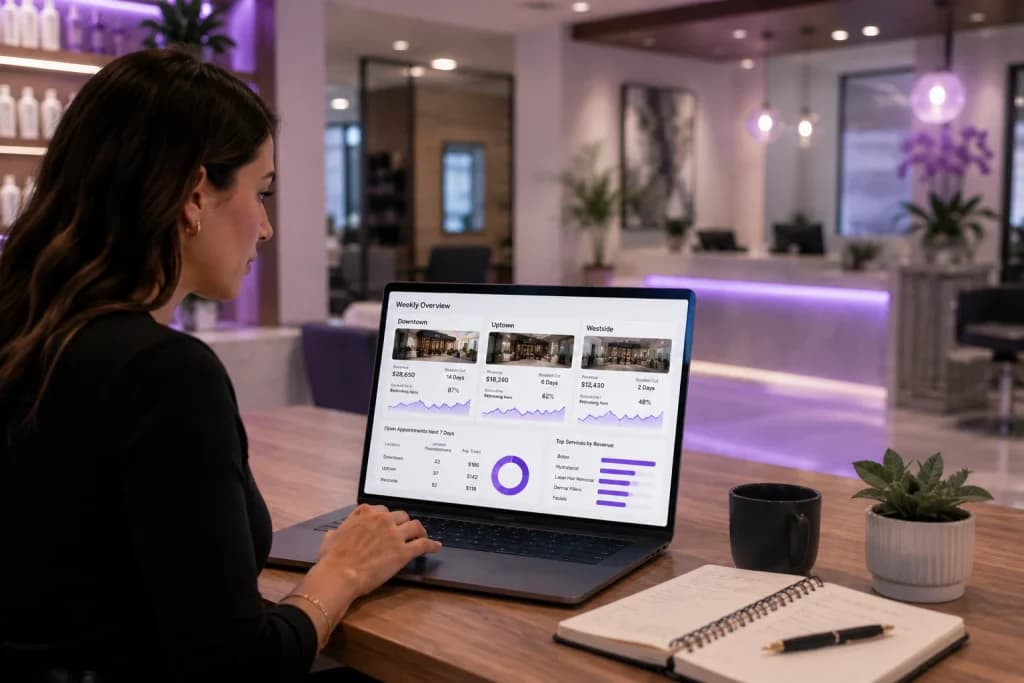
Without a combined view, you’d only notice this if someone happened to compare calendars manually.
With unified reporting, it shows up in your weekly numbers, and you can shift a technician’s hours or promote the slower location to fix it before it becomes a pattern.
FAQs
Do clients need separate accounts for each location?
No. A client’s profile, history, and preferences follow them to any location in your group.
Can staff work at more than one location?
Yes. Staff can be scheduled across locations from one login, with their availability reflected everywhere they’re set up to work.
Can I see reports for just one location?
Yes. You get a combined view across all locations and the option to filter down to a single site.
Do all locations have to use the same services and pricing?
No. Each location can set its own service menu and pricing while still sharing the same client and staff records.
Is inventory shared across locations?
Each location tracks its own stock. Owners can see inventory across all sites to spot transfer opportunities or shortages.
Does this work for a growing group, not just med spas?
Yes. Multi-location tools apply the same way to salons, spas, and med spas running more than one site.
Ready to see what running your locations from one system looks like?
Book a PandaCue demo or explore how staff management and reporting work across your whole business.