Marketing & Automation

Automated Flows

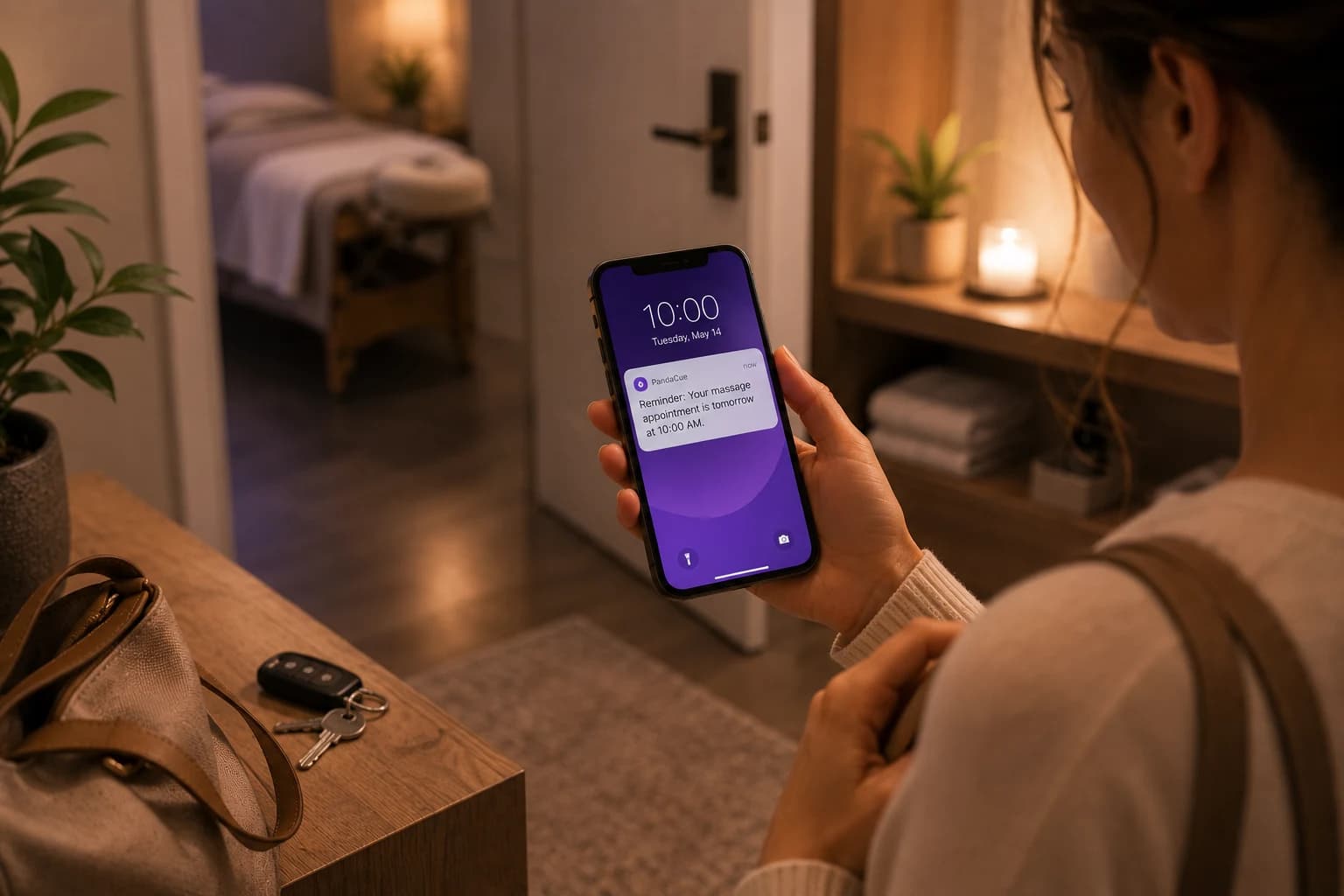
Retention automation that runs while you deliver — reminders, rebooking, and follow-ups.

Automated Flows

Automate Routine Client Tasks

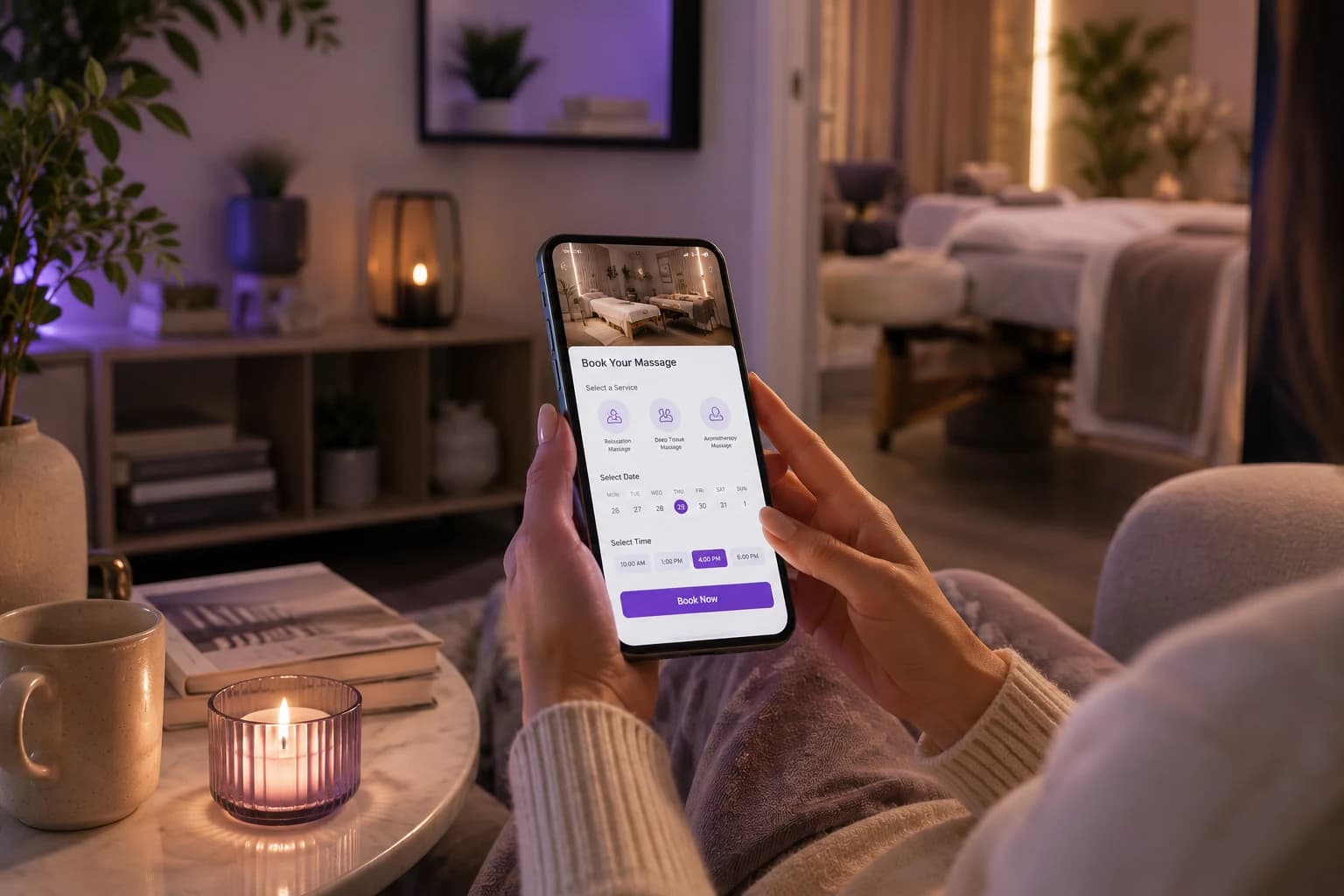
Set up automated flows that handle repetitive client and business tasks without requiring your team to follow up manually every time. Keep important actions moving in the background while your staff stays focused on appointments, conversations, and clients.
Automate Routine Client Tasks

Follow Up At The Right Time

Create timely follow-ups based on client activity, appointments, conversations, or other actions. Keep communication moving without relying on staff to remember every message, reminder, or next step throughout a busy day.

Follow Up At The Right Time

Keep Client Journeys Moving

Build flows that guide clients through important stages of their relationship with your business. Automate relevant actions after bookings, appointments, inquiries, or other events so fewer opportunities are missed along the way.

Keep Client Journeys Moving

Reduce Manual Work

Give your team fewer repetitive tasks to handle by letting automated flows take care of routine steps. Spend less time checking lists, sending follow-ups, and remembering small actions that can easily be handled automatically.

Reduce Manual Work

Build Flows Around Your Business

Create workflows that fit the way your salon or spa operates instead of forcing your team into a fixed process. Connect triggers and actions to create practical flows for communication, follow-ups, client management, and daily operations.

Build Flows Around Your Business
FAQ

Frequently Asked Questions

Can I turn off an automated flow after it's already running?

Yes. You can pause or turn off any flow at any time without affecting the others. Nothing else in the system stops working.

Do automated flows work the same way for walk-in clients?

Walk-ins can still trigger flows once their appointment is logged, like a review request after the visit. Flows tied to advance booking, like reminders, only apply when there's time to send them.

Can I set different flows for new clients versus returning clients?

Yes. You can build a separate welcome sequence for first-time clients and a different one for regulars, so the tone matches where they are in the relationship.

What happens if a client books and cancels on the same day?

The system cancels any pending reminder tied to that appointment. Your clients won't get a confirmation text for a visit that no longer exists.

Do flows send at any hour, even late at night?

No. You can set quiet hours so messages only go out during times you choose, even if the trigger happens outside that window.

Can staff see which flows a specific client is currently in?

Yes. Each client profile shows which sequences they're active in, so front desk staff aren't guessing what's already been sent.

Is there a limit to how many flows I can build?

No set limit. Most salons and spas run somewhere between five and fifteen active flows once they're fully set up.

Can automated flows include a link to pay a deposit or balance?

Yes. A flow can include a payment link, which is useful for deposit reminders or outstanding balances tied to a booking.

Do flows need to be rebuilt for a second location?

No. Flows can apply across every location or be customized per location, depending on how your business runs.

Can I preview a message before a flow goes live?

Yes. Every flow can be tested and previewed before you turn it on, so you know exactly what a client will receive.

Your entire salon, perfectly managed in one place

From online booking to payments and staff scheduling, get everything you need to run and grow your business with complete ease