Keep Every Conversation Together
Bring calls, texts, and web chats into one organized place so your team can keep track of client conversations, respond faster, and avoid switching between different communication tools throughout the day.
Talk to clients where they already are — call, text, and chat without losing the thread.
Bring calls, texts, and web chats into one organized place so your team can keep track of client conversations, respond faster, and avoid switching between different communication tools throughout the day.
Keep client messages visible and easier to manage, even when your front desk is handling appointments or helping customers in person. Give your team a clearer way to follow conversations and respond without losing important details.
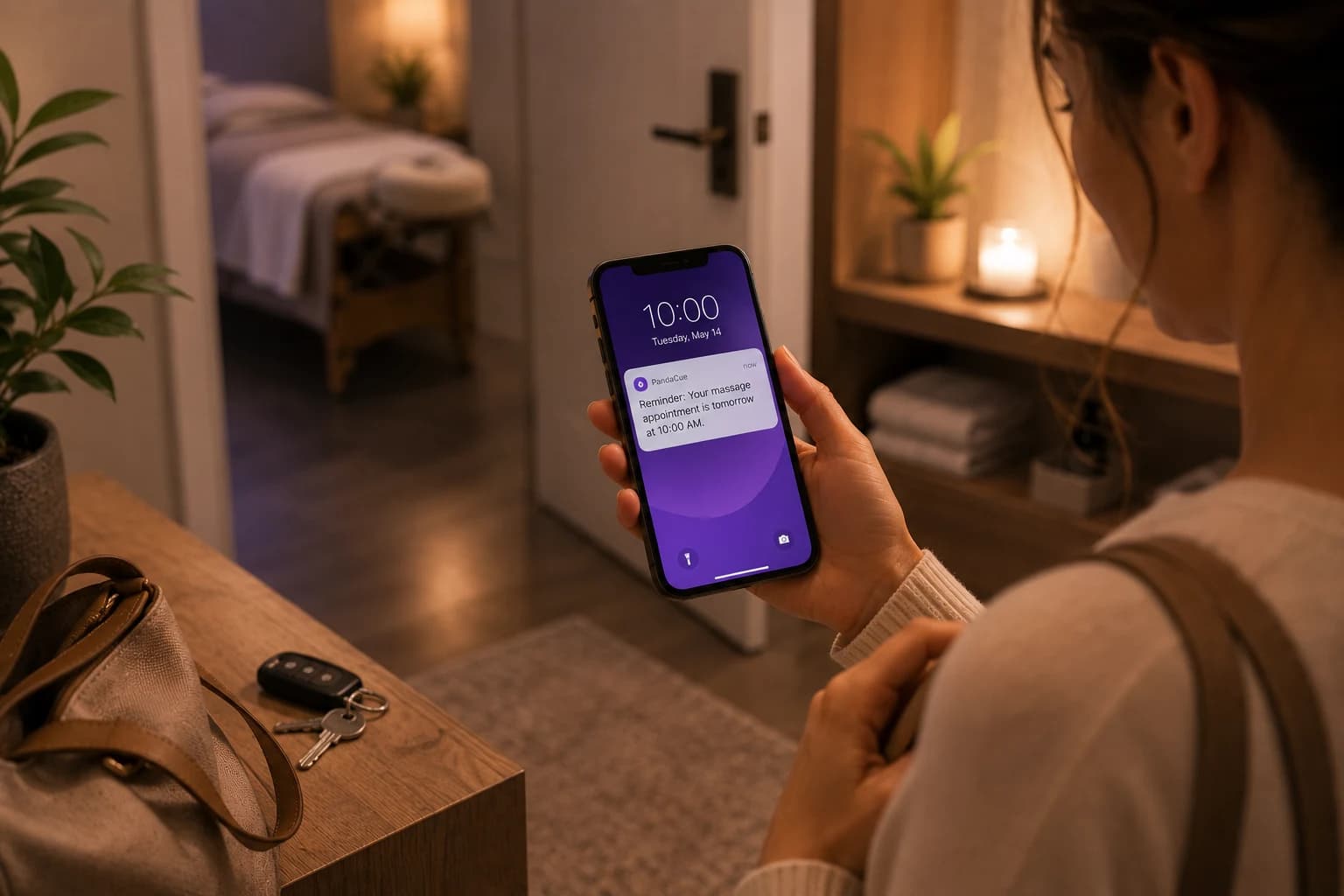
Make everyday communication easier with organized conversations that help your team quickly find client details, review previous messages, and respond without repeating questions or searching through multiple apps and communication channels.
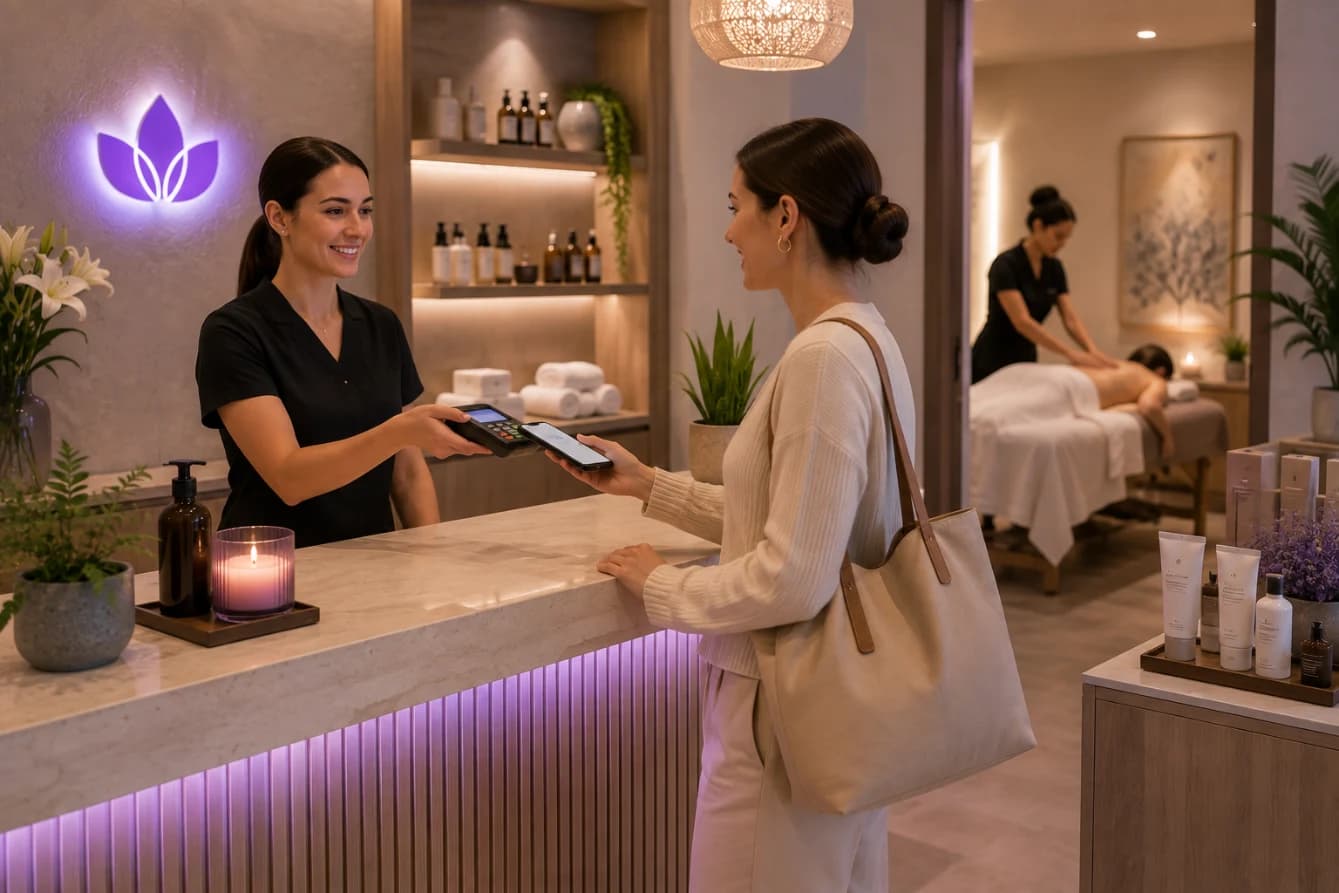
Give potential clients a direct path from conversation to appointment by helping your team handle questions, discuss services, and guide interested customers toward booking while the conversation is still active and their interest is high.
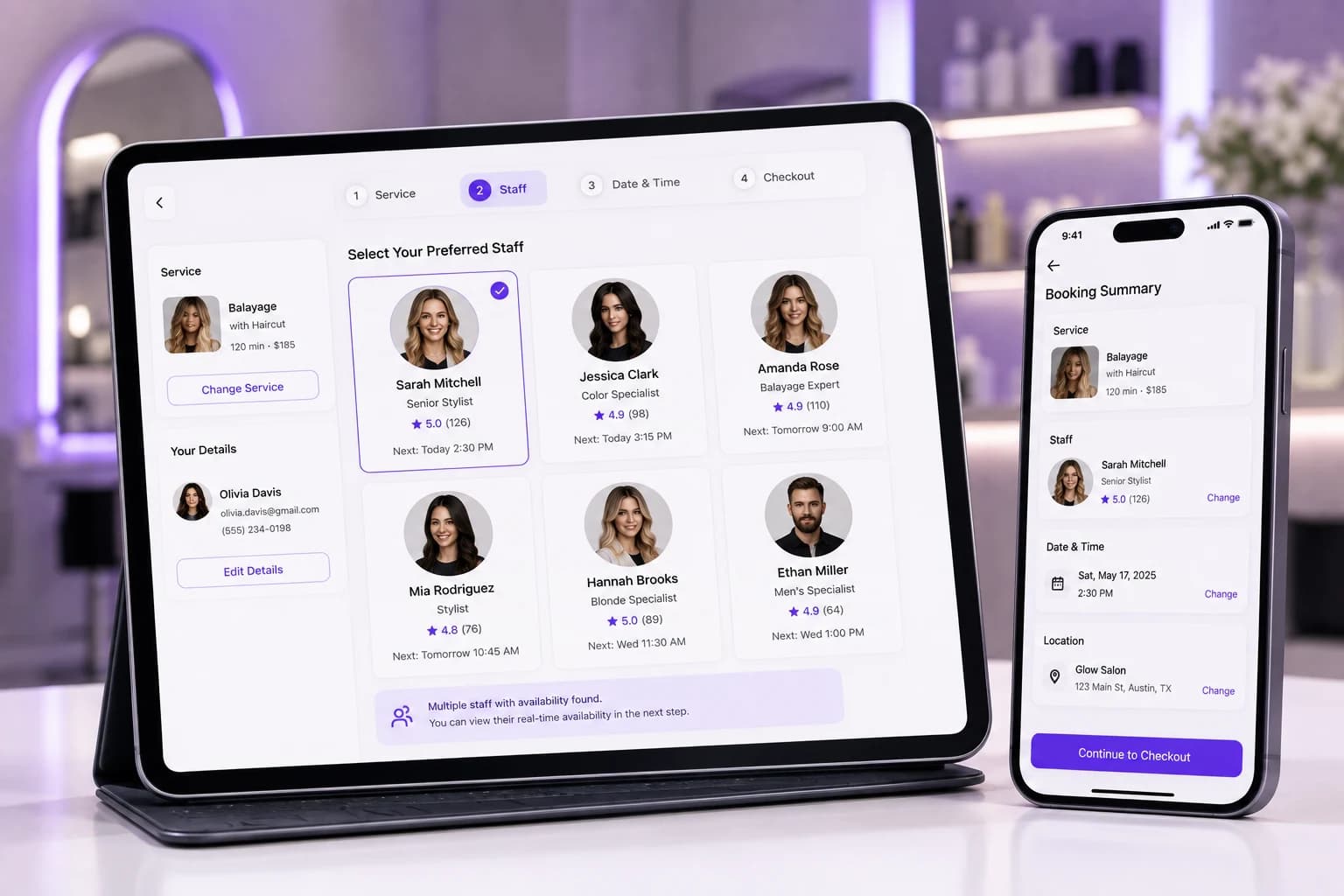
Keep communication personal by giving your team access to previous conversations and important client context. Help staff provide more informed replies, follow up with customers, and create a more consistent experience across every interaction.
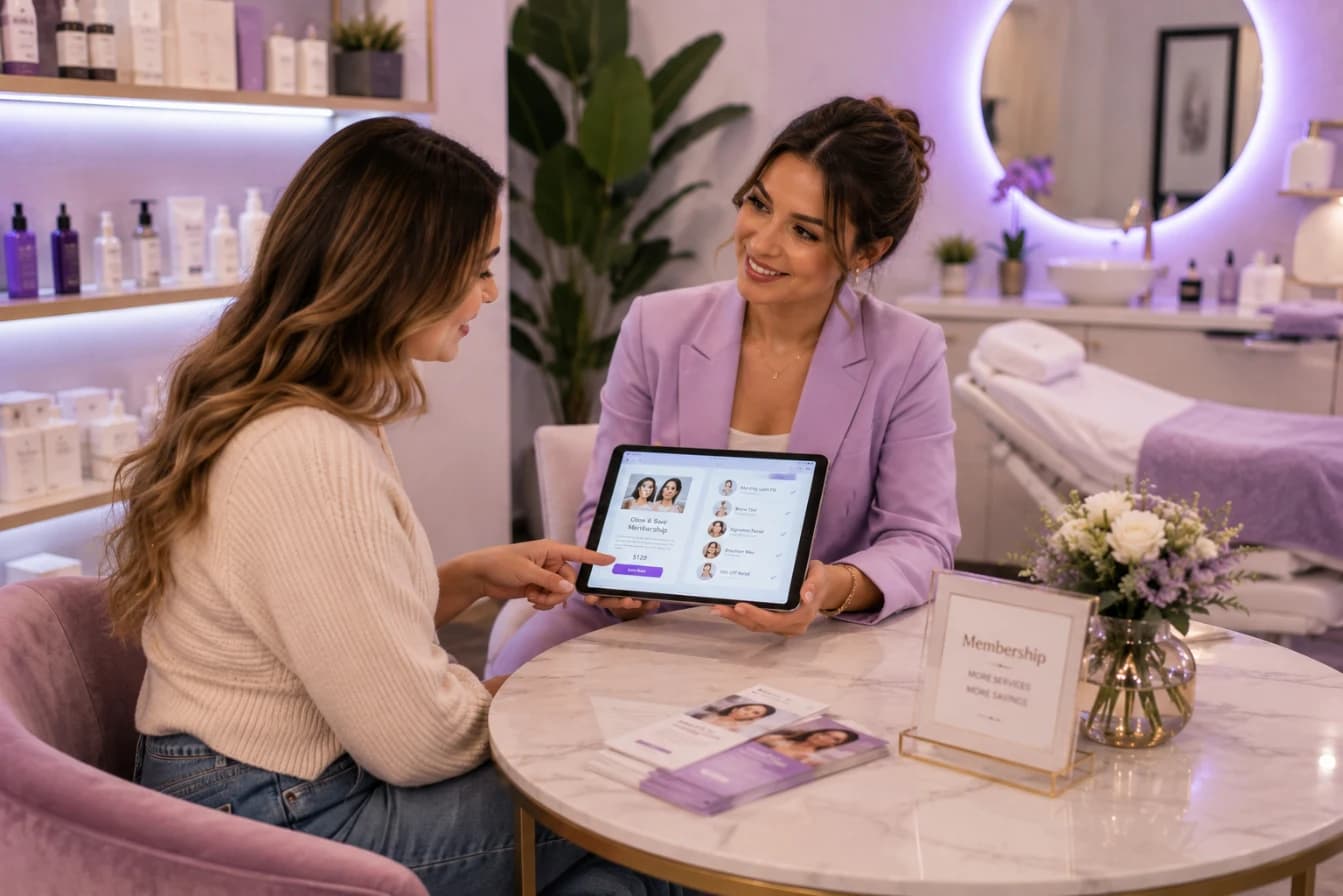
PandaCue brings calls, two-way text messages, and website chats into one shared inbox. Your team can manage client conversations from one place without switching between apps or devices.
Your med spa gets a dedicated business number for calls and texts. Clients can use the same number to call your team or send a text, keeping communication simple and consistent.
Staff can read and respond to client messages from the PandaCue inbox. They can use a computer instead of relying on a personal phone, while keeping the conversation connected to the client record.
If your team is unavailable, the website chat can ask the visitor for a phone number. Your staff can then follow up by text when they are back online.
PandaCue connects conversations with the client record when the person is already in your system. Staff can see relevant client and appointment details without searching through separate tools.
Staff can start a call directly from a client's profile in PandaCue. The system connects the call without requiring staff to manually copy or dial the client's phone number.
The reply comes back through the same PandaCue number and appears in the shared inbox. Your team can respond to questions, confirmations, or rescheduling requests without moving to another app.
PandaCue can identify the caller and show relevant client information before the call is answered. Staff can then have useful context instead of starting the conversation from scratch.
Website visitors can ask questions through web chat while they are already viewing your services. Your team can respond from the shared inbox and move the conversation toward a consultation or appointment.
PandaCue connects all three communication channels with the same client profiles, appointments, and business workflows. Your team gets one place to manage conversations instead of relying on separate apps, personal phones, and disconnected message histories.
From online booking to payments and staff scheduling, get everything you need to run and grow your business with complete ease