Client Relationships

Forms & Charting

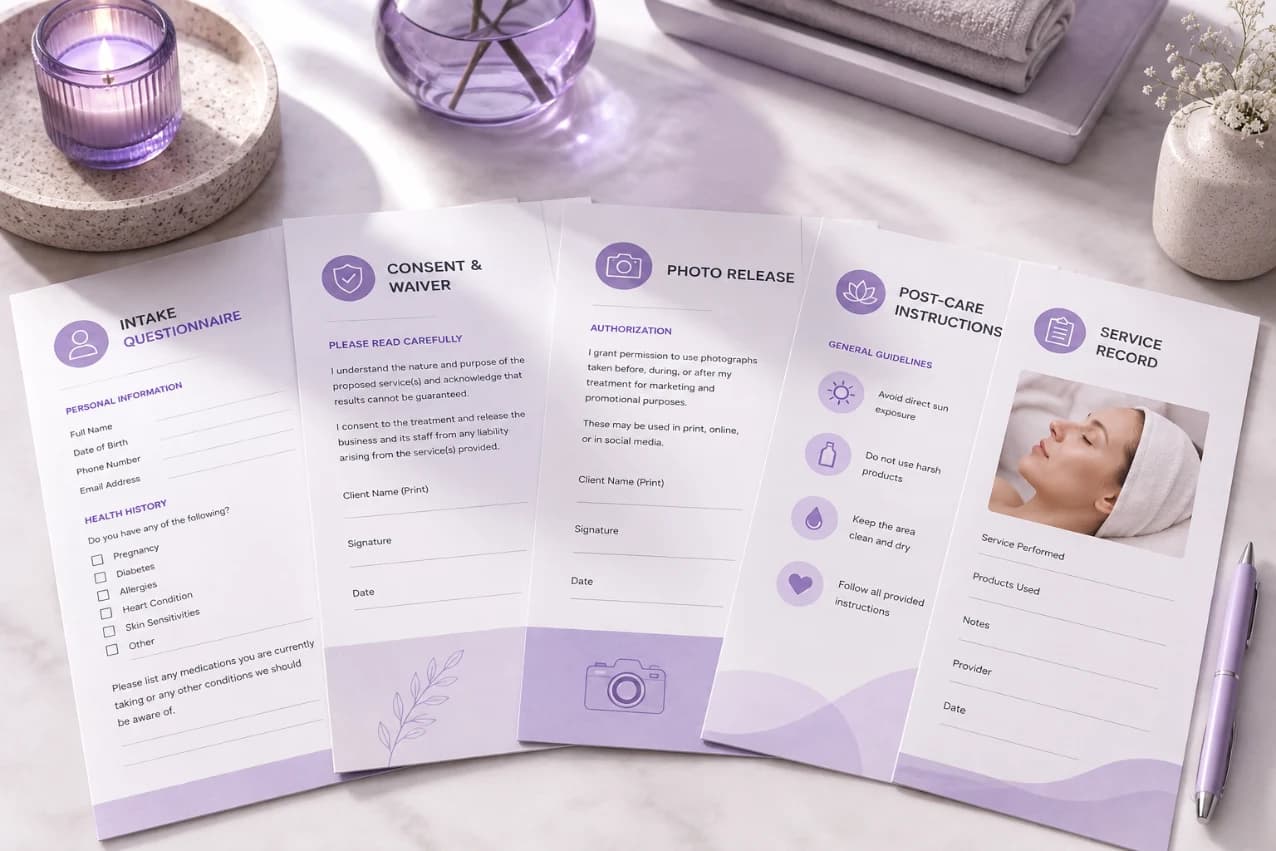
Consent, intake, and charting before the client sits down — digital and on-brand.

Forms & Charting

Collect Information Before Appointments

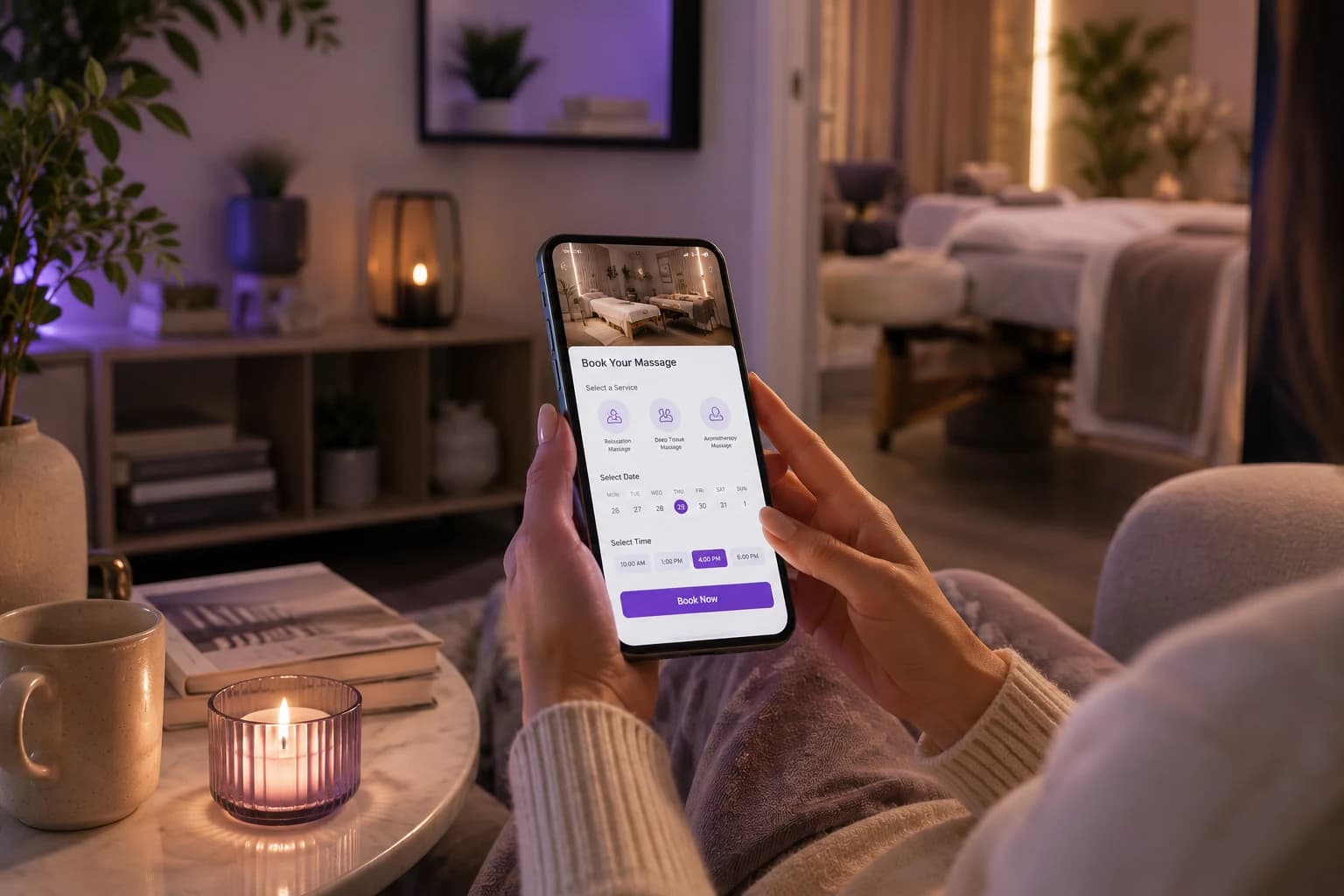
Give clients an easy way to complete forms before they arrive, so your team can collect important details in advance and spend less time handling paperwork during appointments. Keep client information organized and ready when staff need it.

Collect Information Before Appointments

Keep Client Records Organized

Store important client details, submitted forms, notes, and service information in one organized place. Give your team quick access to the information they need while helping create a more consistent experience across appointments and client interactions.

Keep Client Records Organized

Make Digital Forms Easier

Replace repetitive paper forms with a simple digital experience that clients can complete from their preferred device. Make information collection faster for clients while reducing manual data entry and paperwork for your front desk and service providers.

Make Digital Forms Easier

Give Staff Better Client Context

Help team members review relevant client information before providing a service. With organized forms and charting details available alongside client records, staff can spend less time searching for information and more time focused on the appointment itself.

Give Staff Better Client Context

Keep Information Ready For Follow-Up

Maintain accessible client information beyond a single appointment so your team can reference previous details when clients return. Better records help staff understand client history, support smoother follow-ups, and create more informed service experiences over time.

Keep Information Ready For Follow-Up
FAQ

Frequently Asked Questions

Can a client update their intake form if their health information changes?

Yes. Staff can reopen a client's form and update it, or send a fresh version before their next visit. Keeping this current matters most for allergies, medications, and skin conditions that change over time.

Do staff need special permissions to view charting notes?

In most setups, yes. Front desk staff might only need booking details, while providers need full access to charts and consent history. Limiting who sees what keeps sensitive notes away from people who don't need them.

Can photos be attached to a treatment chart?

Yes, and it's common practice for skin treatments, injectables, and hair color work. A before-and-after photo tells a provider more than a written note ever could, especially months later.

What happens to old paper records when a business switches to digital forms?

Most businesses scan and upload existing paper files so client history isn't lost during the switch. Going forward, every new form and chart entry stays digital.

Can a client sign a consent form on their own phone instead of an in-store tablet?

Yes. Sending the form as a link lets clients read and sign it on their own device, before or during their visit. This works well for longer consent forms clients might want extra time to read.

Does charting slow down a provider's day?

Not when it's built into their workflow. A short note added right after a service takes under a minute and saves far more time later, when that history prevents a repeated mistake or a redone treatment.

Can a business reuse the same form template across multiple locations?

Yes. A shared template keeps consent language and intake questions consistent across every location, which matters most for businesses that want the same standard of care everywhere they operate.

What if a client is a minor? Does the form process change?

Typically a parent or guardian needs to complete and sign the form on the minor's behalf. The system should record who actually signed, not just that a signature exists.

Can old charts be edited after they're saved?

Charts should be locked once saved, with any correction added as a new, timestamped note rather than an edit to the original. This keeps the record honest and defensible if it's ever questioned.

What happens to client forms and charts if a business closes a location?

Records should transfer with the client, not disappear with the location. A client's history stays tied to their profile, so they don't lose years of documented care just because one branch closes.

Your entire salon, perfectly managed in one place

From online booking to payments and staff scheduling, get everything you need to run and grow your business with complete ease