Scheduling & Payments

Mobile App

Run the floor from your phone — schedules, clients, and checkouts when you are not at the desk.

Mobile App

Run Your Business From Anywhere

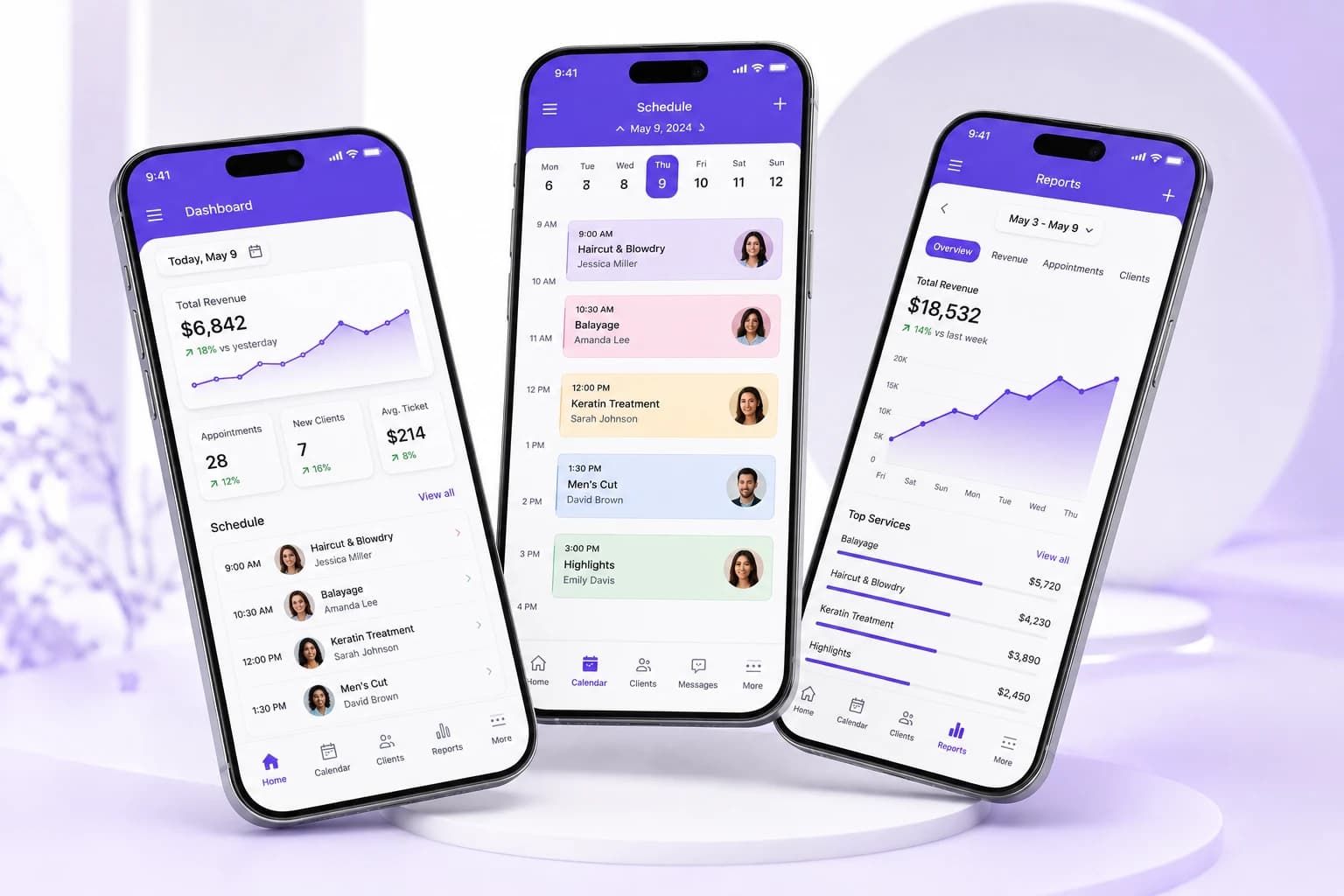
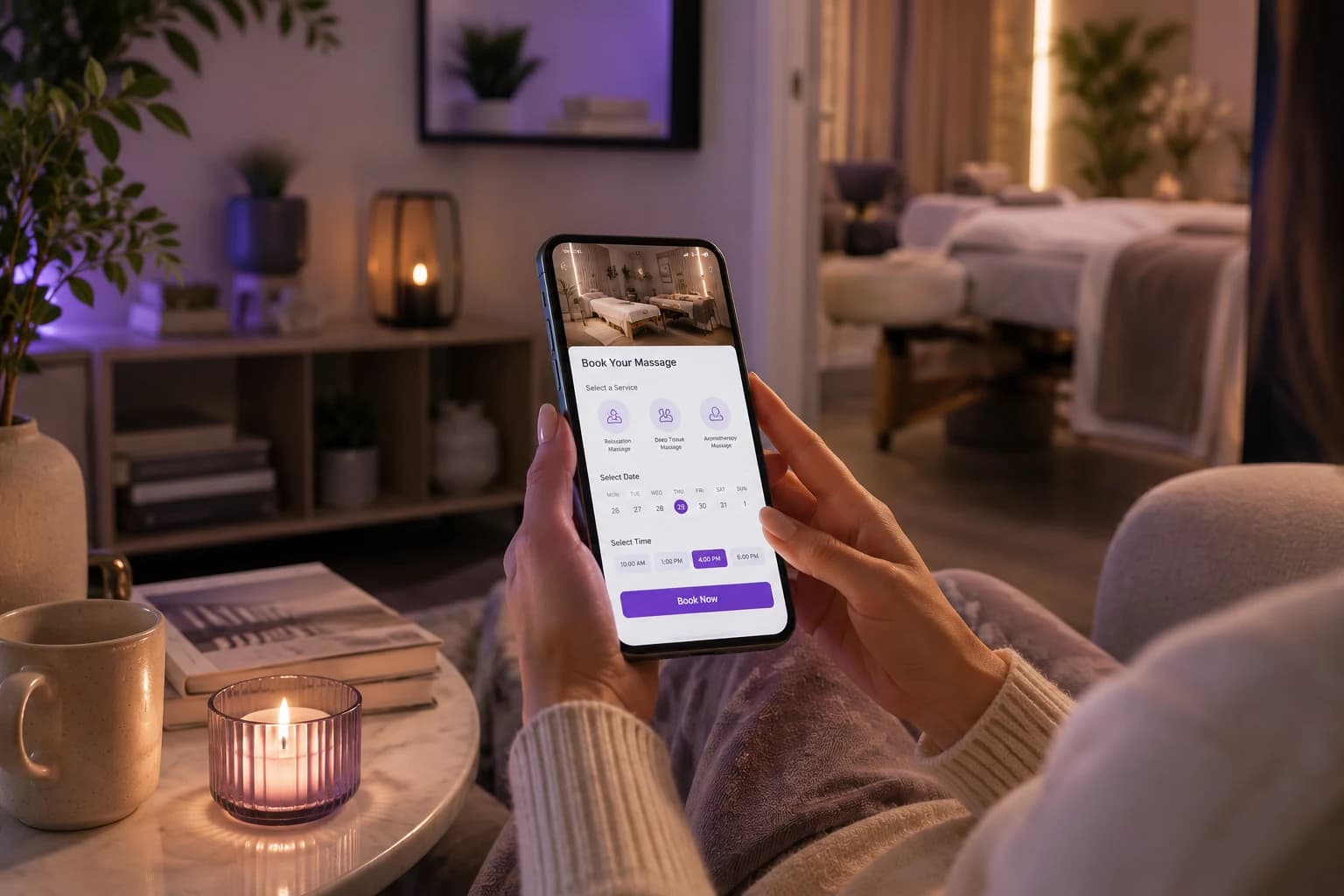
Stay connected to your salon or spa even when you are away from the front desk. Use the mobile app to keep up with appointments, clients, payments, staff activity, and daily business tasks without being tied to a computer.
Run Your Business From Anywhere

Keep Your Day Within Reach

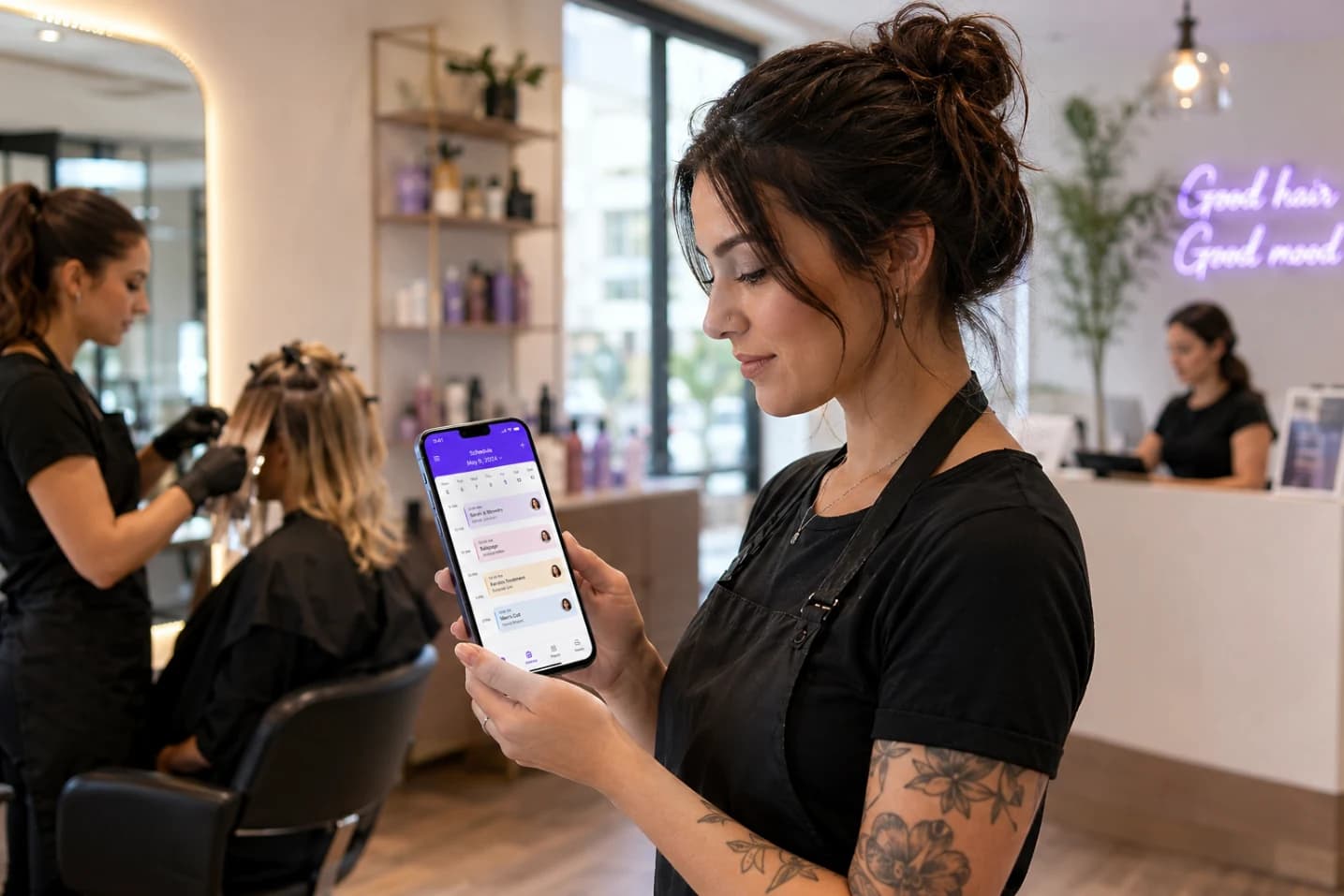
See what is happening across your business from a convenient mobile experience. Check upcoming appointments, review client details, and stay aware of your team’s schedule so you can make quick decisions without stopping to open a desktop system.

Keep Your Day Within Reach

Stay Connected With Clients

Keep important client conversations and information close at hand while you move through your day. Quickly review client details, respond to messages, and stay connected with customers without needing to return to the front desk or office computer.

Stay Connected With Clients

Handle Tasks On The Go

Take care of everyday business tasks wherever your work takes you. Review appointments, manage client information, check business activity, and handle important updates from your phone instead of waiting until you are back at a desktop.

Handle Tasks On The Go

Make Faster Business Decisions

Keep useful business information available when you need it most. With key details accessible from your mobile device, you can quickly check schedules, client activity, and operations to stay informed and respond to changes throughout the day.

Make Faster Business Decisions
FAQ

Frequently Asked Questions

What can salon owners manage from the PandaCue mobile app?

Owners can use the mobile app to check schedules, review business performance, manage staff requests, switch between locations, and stay connected to daily operations without needing a desktop computer.

How does the mobile app help managers stay on top of daily operations?

Managers can check schedules, monitor changes, review daily numbers, approve requests, and communicate with staff from their phones. This keeps routine decisions moving even when they are away from the front desk.

Which tasks can staff handle from their phones?

Staff can check their schedules, view client information, receive booking updates, clock in and out, and review relevant client notes before an appointment. They can handle these tasks without asking the front desk to look them up.

How do mobile notifications keep staff updated about schedule changes?

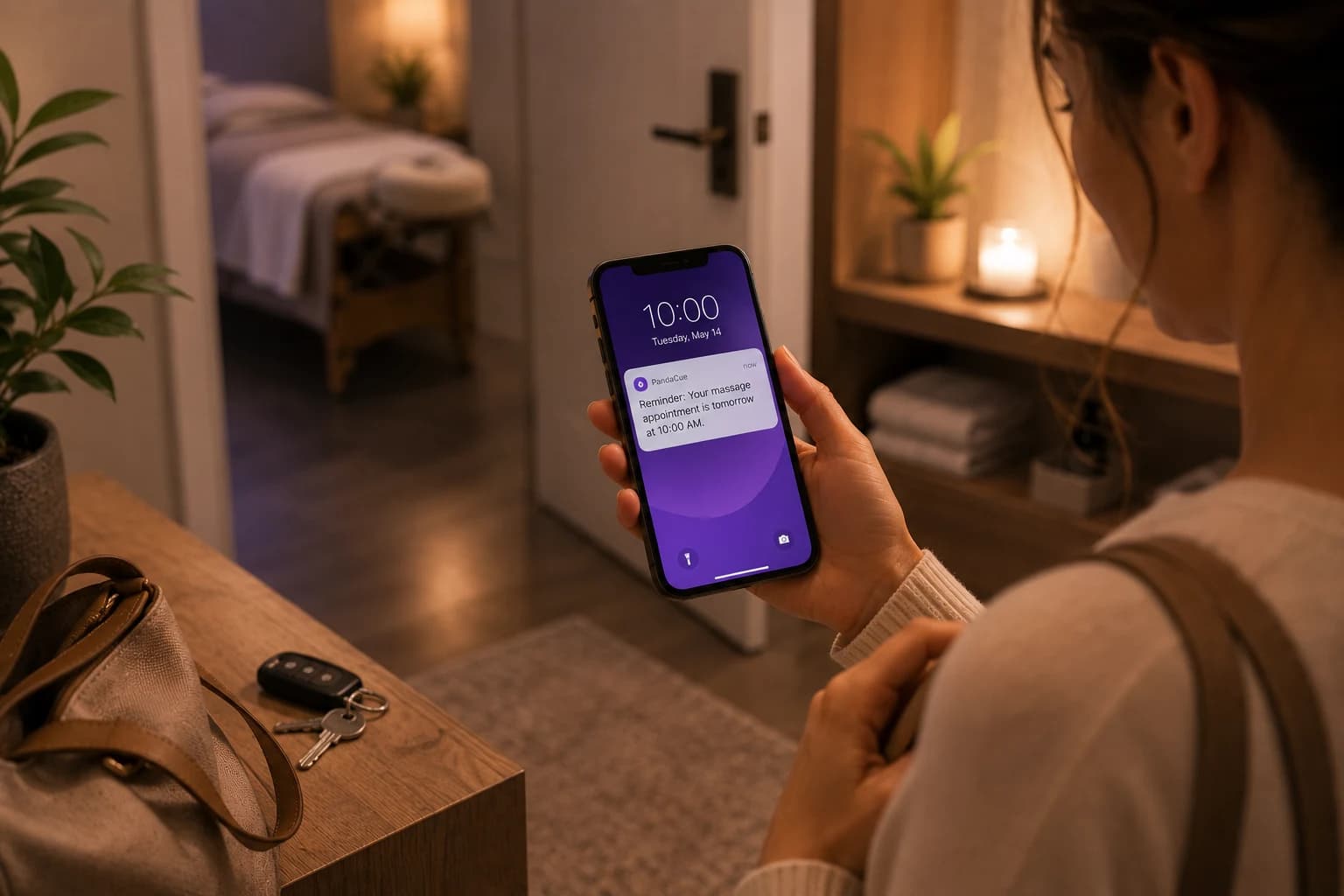
Push notifications can alert staff about new bookings, cancellations, and schedule changes. This helps the team respond quickly instead of finding out later when they check the schedule.

Can managers check business performance without opening a computer?

Yes. Managers can review key business numbers from the mobile app, giving them a quick view of performance without waiting to get back to a desktop.

How does the app help staff manage their workday between appointments?

Staff can check what is coming next, review client details, and stay updated on schedule changes directly from their phones. They spend less time walking back to the front desk for basic information.

What happens when a client reschedules or cancels an appointment?

The schedule updates across PandaCue, and the appropriate team members can receive a notification about the change. This gives staff a current view of the day and helps the team respond to newly available time.

How does PandaCue keep mobile and desktop activity in sync?

PandaCue connects the mobile app and desktop system to the same business data. When a booking, cancellation, payment, or other supported activity changes, the updated information is available across the system.

How do mobile apps help reduce front-desk interruptions?

Staff can find their schedules, client details, and other information themselves instead of repeatedly asking the front desk. Clients can also handle tasks such as booking and rescheduling from their phones, reducing calls during busy periods.

Who gets access to the PandaCue mobile app, and what can each role see?

Access can be based on the user's role and permissions. Owners, managers, staff, and clients can have different mobile experiences designed around the tasks and information relevant to them.

Your entire salon, perfectly managed in one place

From online booking to payments and staff scheduling, get everything you need to run and grow your business with complete ease