Scheduling & Payments

Online Booking

Brand-ready online booking that converts — login-light, mobile-first, and tied to retention.

Online Booking

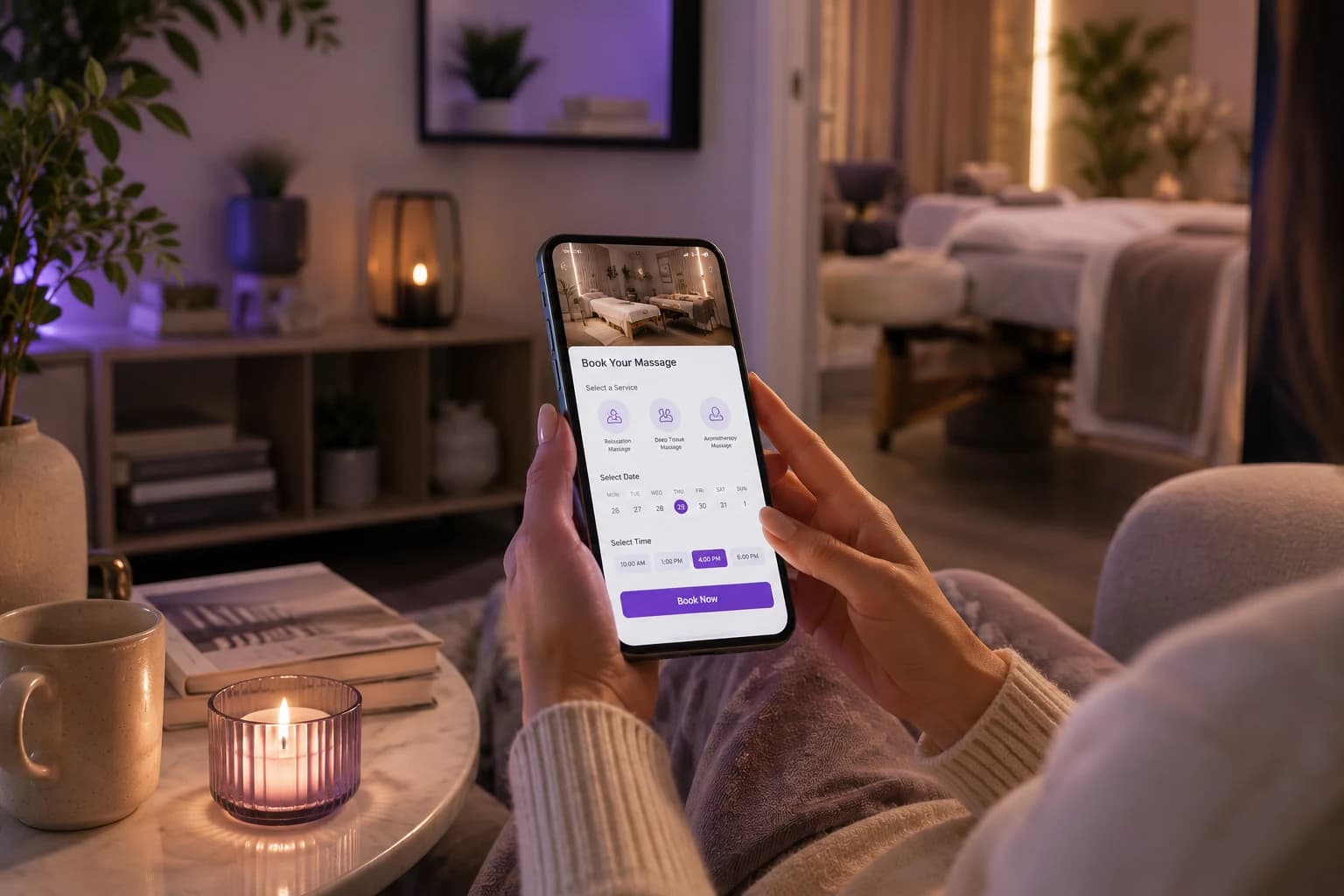
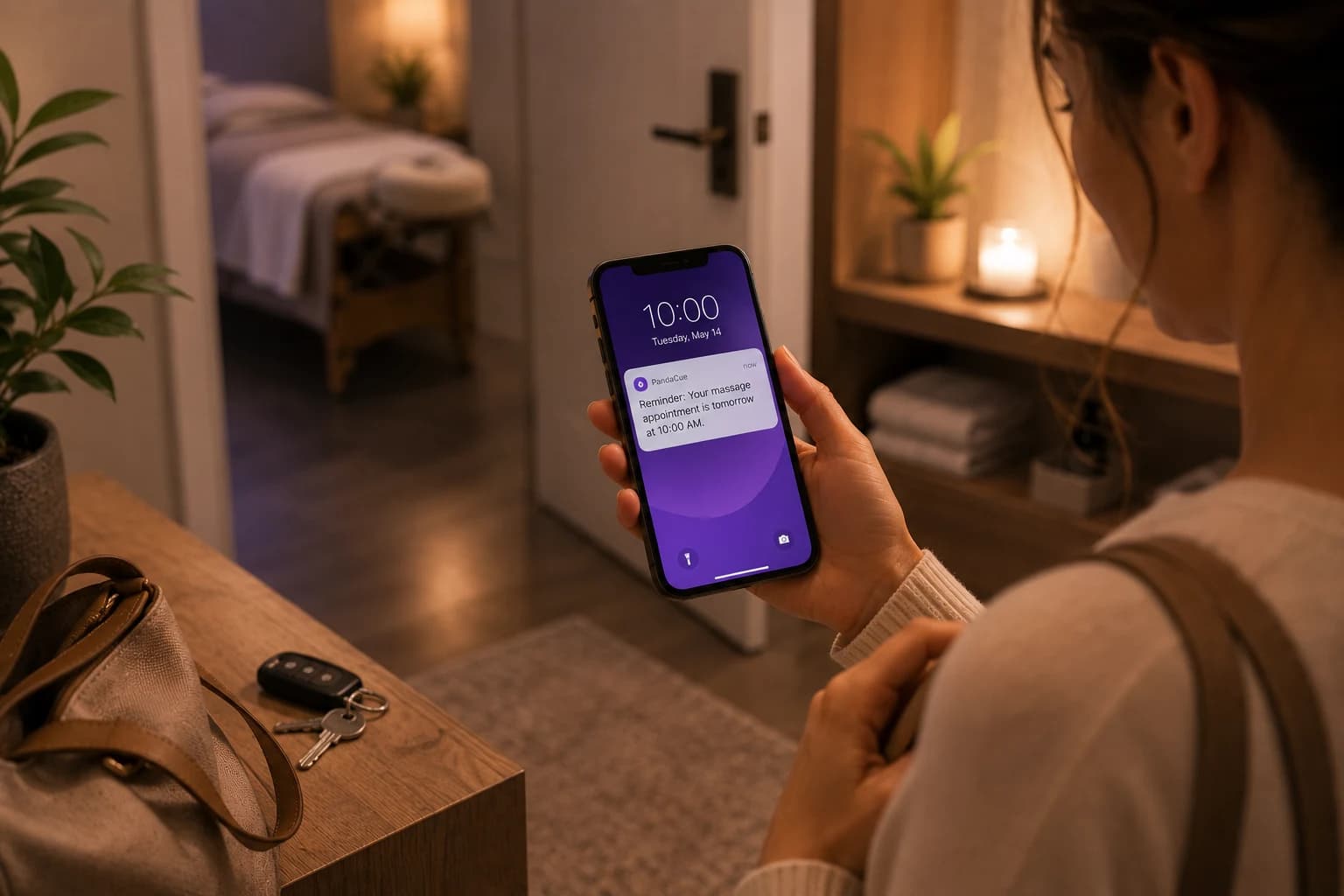
Bookings Around the Clock

Let clients book appointments anytime, even when your team is busy or your front desk is closed. Give customers the freedom to schedule services when it works for them, while your business continues capturing bookings beyond normal operating hours without adding more work for your staff.
Bookings Around the Clock

Make Every Booking Simple

Give clients a clear and easy booking experience that helps them choose their service, select a preferred team member, find a convenient time, and confirm their appointment without unnecessary calls, messages, or back-and-forth with your front desk.

Make Every Booking Simple

Keep Your Calendar Updated

Online appointments fit into your scheduling workflow, giving your team a clearer view of upcoming bookings, staff availability, and open time slots. Keep everyone organized while reducing scheduling confusion, manual updates, and the risk of overlapping appointments.

Keep Your Calendar Updated

Turn Browsers Into Bookings

Give website visitors a direct path from discovering your salon or spa to booking a service. Add online booking to important customer touchpoints so interested visitors can schedule an appointment while their intent is high, without needing to call your business first.

Turn Browsers Into Bookings

Give Clients More Control

Let clients take care of routine scheduling themselves by choosing the service, preferred team member, date, and available time that suits them. This creates a more convenient experience for customers while giving your staff more time to focus on clients already in the salon or spa.

Give Clients More Control
FAQ

Frequently Asked Questions

Which services can clients book online?

You can offer online booking for the services you choose, including appointments with specific team members and available time slots based on your scheduling setup.

What information can clients provide when booking an appointment?

Depending on the business and service, clients can provide contact details, service preferences, intake information, and required forms during the booking process. This gives your team useful information before the appointment begins.

How do deposits work with online appointment booking?

A deposit can be collected during the booking process instead of asking the client to pay later. You can use deposits for services or appointment types where protecting the time slot is especially important.

How can online booking help fill last-minute cancellations?

When a cancellation creates an open time slot, a waitlist can help identify clients who are interested in earlier availability. The newly available appointment can then be offered to an appropriate client instead of leaving the slot empty.

How does a booking system prevent unavailable time slots from being booked?

Online booking should use the current appointment calendar when showing availability. Existing appointments, provider schedules, service durations, breaks, and blocked-off times can be taken into account so clients only see bookable options.

Can clients book different services with different providers?

Yes. A booking system can connect specific services with the staff members who are qualified or available to provide them. Clients can then choose from the appropriate providers rather than seeing every employee for every service.

How can I add online booking to my website and social media?

Most modern booking systems provide a booking page, widget, or direct booking link that can be shared across your website and social profiles. You can also place the link in email messages, Google Business listings, and other client touchpoints.

What happens when a client cancels an online appointment?

The appointment is removed or marked as cancelled according to your cancellation rules, and the time can become available for another booking. If you use a waitlist, interested clients can also be notified about the opening.

How does online booking save time for front desk staff?

Clients can handle routine scheduling tasks themselves instead of calling to ask about availability. This reduces phone calls, manual appointment entry, and back-and-forth messages, giving staff more time to help clients who need personal assistance.

What should I look for when choosing online booking software for a salon or spa?

Look for mobile-friendly booking, real-time availability, provider and service scheduling, deposits, reminders, intake forms, cancellation controls, waitlists, and a simple client experience. The system should also connect with the rest of your business instead of creating another disconnected calendar.

Your entire salon, perfectly managed in one place

From online booking to payments and staff scheduling, get everything you need to run and grow your business with complete ease