

Create a service category
Who can do this: Business owners and admins Where to find it: Settings › Services ( /business/settings/services ) Categories group related…
Who can do this: Business owners and admins
Where to find it: Settings › Services (/business/settings/services)
Categories group related services so they are easier to find for your team and clients.
Steps
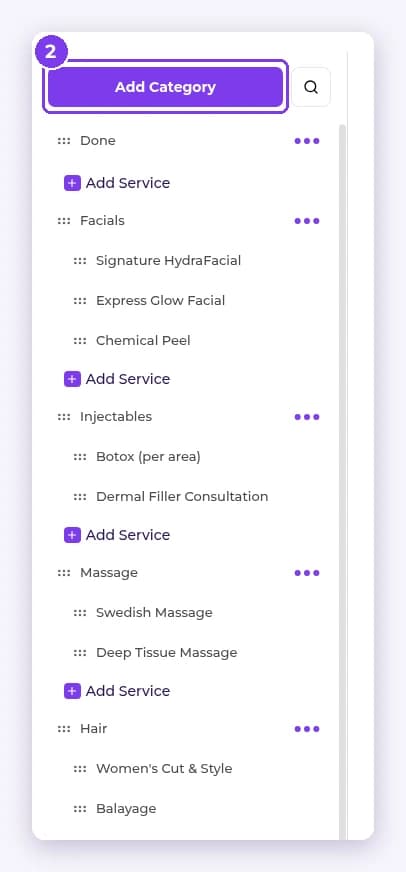
- Go to Settings › Services. Categories and services are listed in the sidebar.
- Select Add Category.
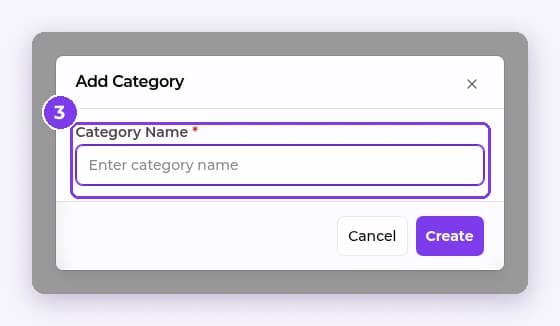
- Enter the Category Name and select Create.
Result
The new category appears in the sidebar, ready for services.
FAQ
Can I rename a category?
Select the category in the sidebar to see its details, or use the ••• menu next to it.
Related articles
Still have questions?
Our team is happy to help. Reach out and we'll get you sorted, or keep exploring the Learning Center.