

Import and export contacts
Who can do this: Business owners and admins Where to find it: Contacts › Options ( /business/contacts ) Import contacts from a file, or…
Who can do this: Business owners and admins
Where to find it: Contacts › Options (/business/contacts)
Import contacts from a file, or download your contacts.
Steps
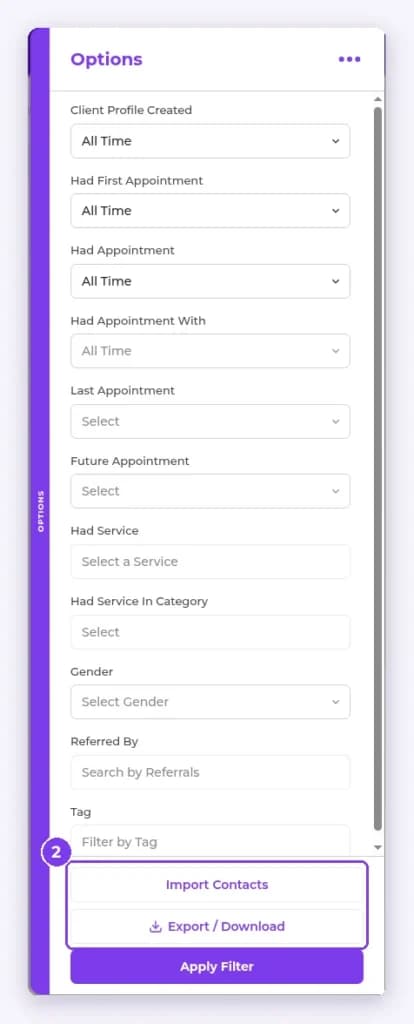
- In Contacts, select the filter icon to the right of Search contacts… to open the Options panel.
- At the bottom of the panel, select Import Contacts to upload a file, or Export / Download to download your contacts.
Result
Contacts are imported or your export file is downloaded.
Tip: You can also use Settings › Data import & export.
Related articles
Still have questions?
Our team is happy to help. Reach out and we'll get you sorted, or keep exploring the Learning Center.