

View a client profile
Who can do this: Staff with contacts access Where to find it: Contacts › a contact ( /business/contacts ) Open a contact to see their…
Who can do this: Staff with contacts access
Where to find it: Contacts › a contact (/business/contacts)
Open a contact to see their details, timeline, balance, memberships and packages.
Steps
- In Contacts, select a contact. Their profile opens as a side panel, with Client Details on the left.
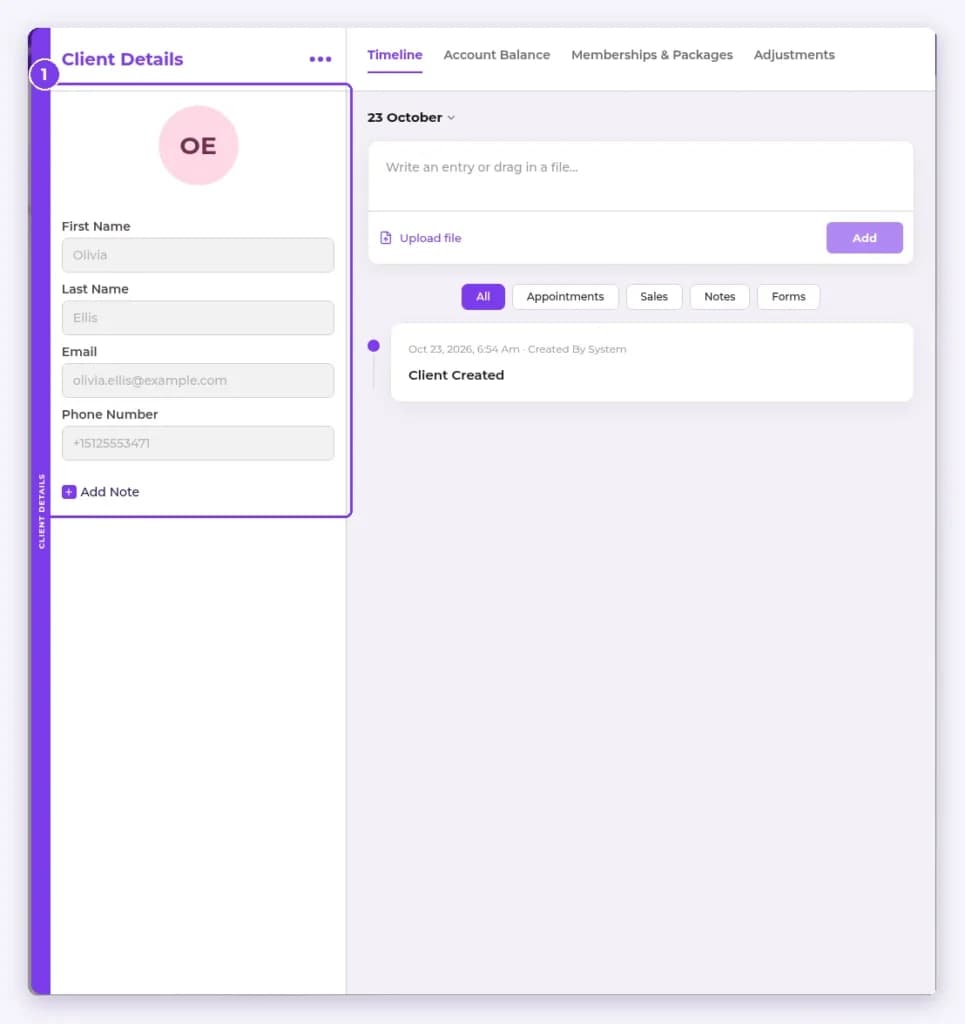
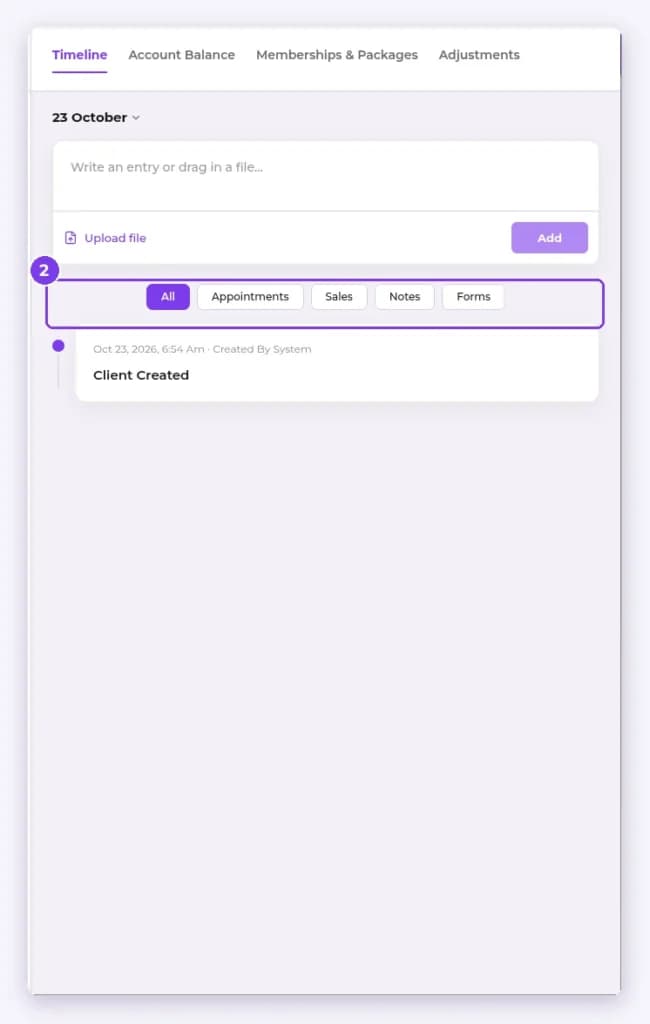
- Use the Timeline to write an entry or Upload file. Filter it by All, Appointments, Sales, Notes or Forms.
- Open Account Balance to check the balance, credit cards and gift cards. Use Add To Balance to add to the balance.
- Open Memberships & Packages to start a membership or sell a package.
- Use the … menu next to Client Details to print upcoming appointments. You can also set custom service durations for this client.
Result
You have the client’s full history in one place.
Related articles
Still have questions?
Our team is happy to help. Reach out and we'll get you sorted, or keep exploring the Learning Center.