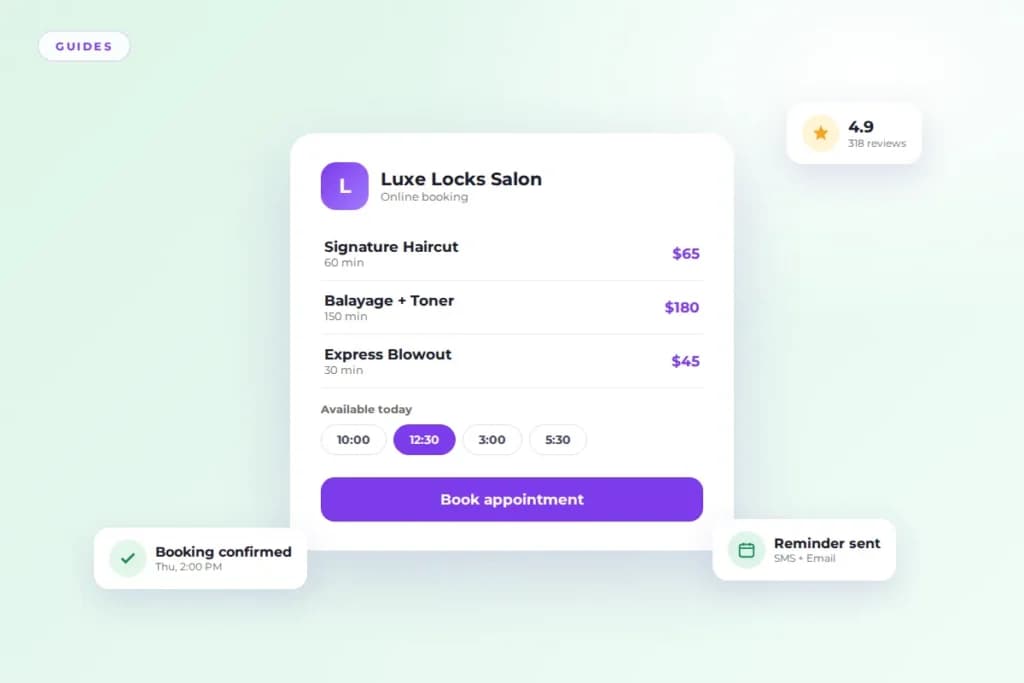
Salon booking software moves your appointment book online so clients can book without calling. Salon management software does that too, then runs the rest of the business: client records, payments, staff schedules, marketing, and reports.
If all you need is a calendar clients can book into, booking software is enough. If you want one system behind the whole salon, that is management software. The sections below spell out exactly where the line sits, so you pay for what you will actually use.
Salon booking software handles appointments and nothing else
Booking software is a digital appointment book. Clients pick a service, pick a time, and land on your calendar. Most tools add automated reminders and let clients reschedule on their own, which cuts the phone tag that eats a front desk’s day.
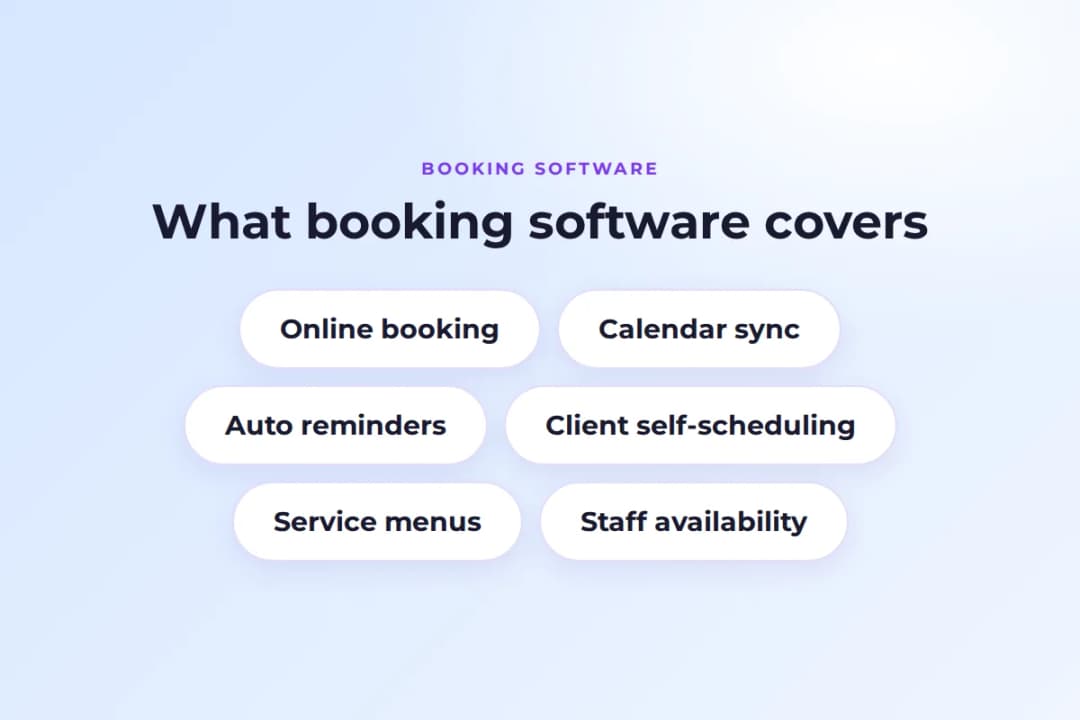
It suits solo stylists and tiny shops. Your client list stays simple, your services stay fixed, and you handle payments and records somewhere else. Once you add staff, retail, or marketing to the mix, booking software starts to feel thin. It was built to fill a calendar, not to run a business.
Online booking on its own is still a big upgrade over a paper book. Our breakdown of online booking that fills your chair shows what the booking side can do when it is set up right, and the online booking feature covers how clients experience it.
Salon management software runs the business behind the chair
Management software starts where booking software stops. It still takes online bookings, but every booking feeds a client profile, a payment record, a staff schedule, and a report.
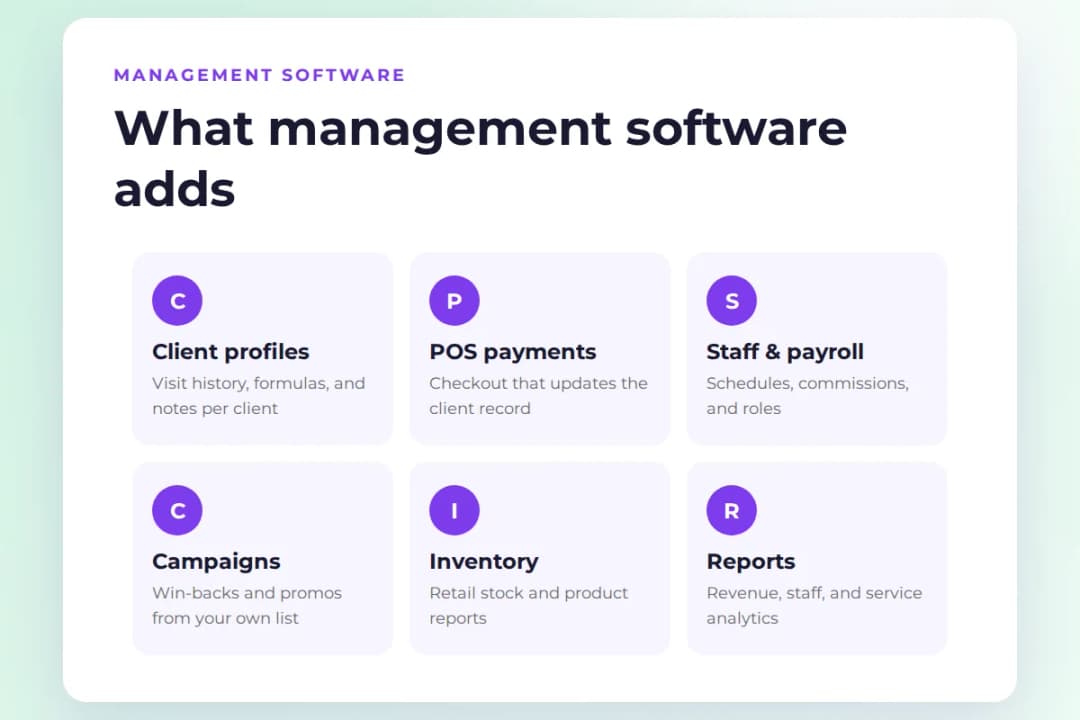
A client profile keeps visit history, formulas, allergies, and preferences, so any stylist can pick up where the last one left off. Client management is the heart of this: one record per client that the whole team shares. Payments run through the same system instead of a separate terminal, with built-in POS so checkout updates the client record automatically.
Staff schedules, commissions, and payroll sit in one place with staff management. Marketing campaigns go out from the client list you already have through campaigns. And reporting shows which services, staff, and hours actually make money.
This is the setup described in our guide to what salon management software is, and it is the standard for salons with a team, retail shelves, or more than one location.
The 7 differences that decide which one you need
Here is the side-by-side version, the short list salon owners actually compare before they buy.
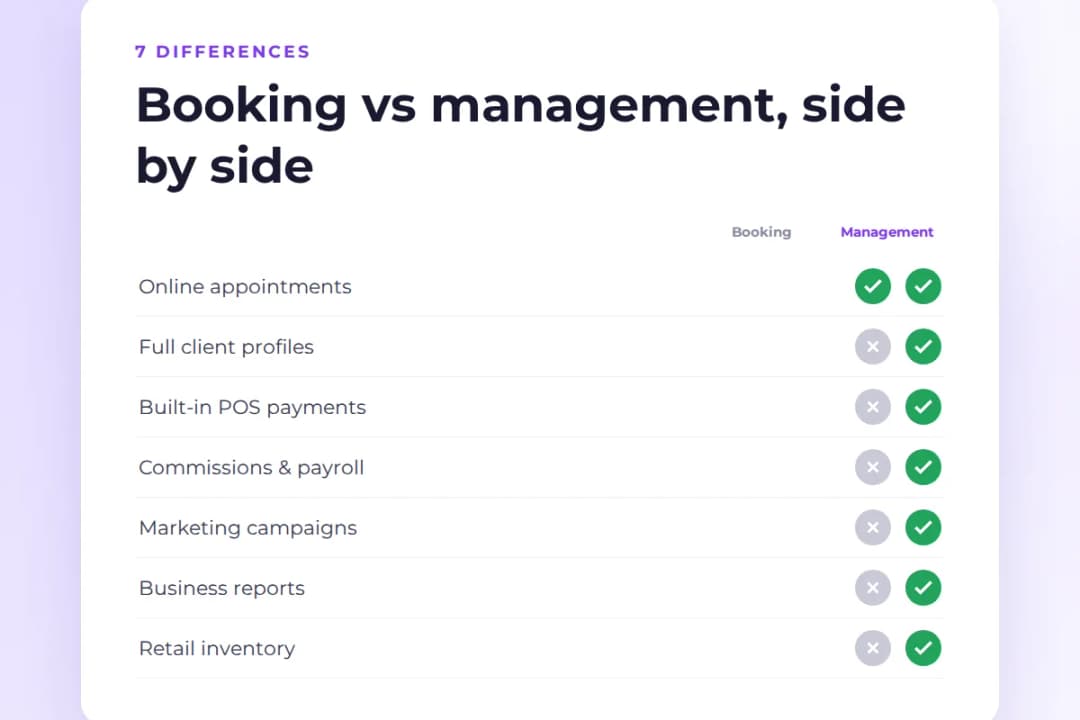
- Scope. Booking software covers the calendar. Management software covers the calendar plus clients, payments, staff, marketing, and reports.
- Client records. Booking tools store names and phone numbers. Management tools keep full profiles: visit history, color formulas, notes, and preferences. See how client profiles work in practice.
- Payments. Most booking tools leave payments to a separate terminal or app. Management platforms run POS inside the same system, so a checkout updates the client record on its own. Our payments and POS guide walks through the setup.
- Staff management. Booking software shows who is free. Management software tracks commissions, roles, permissions, and payroll for the whole team.
- Marketing. Booking tools rarely market for you. Management tools send campaigns, win-back messages, and review requests from the client list you already have.
- Reporting. Booking reports count appointments. Management reports show revenue by service, staff performance, rebooking rates, and retail sales.
- Cost. Booking software costs less per month. Management software costs more but replaces three or four separate tools, which is where the math usually flips. Compare plans on the pricing page.
None of these differences is about better or worse. They are about how much of the business you want in one system.
Which software fits your salon
A solo stylist with a fixed service menu can run on booking software. A salon with staff, retail, or growth plans needs management software. This checklist makes the call concrete.
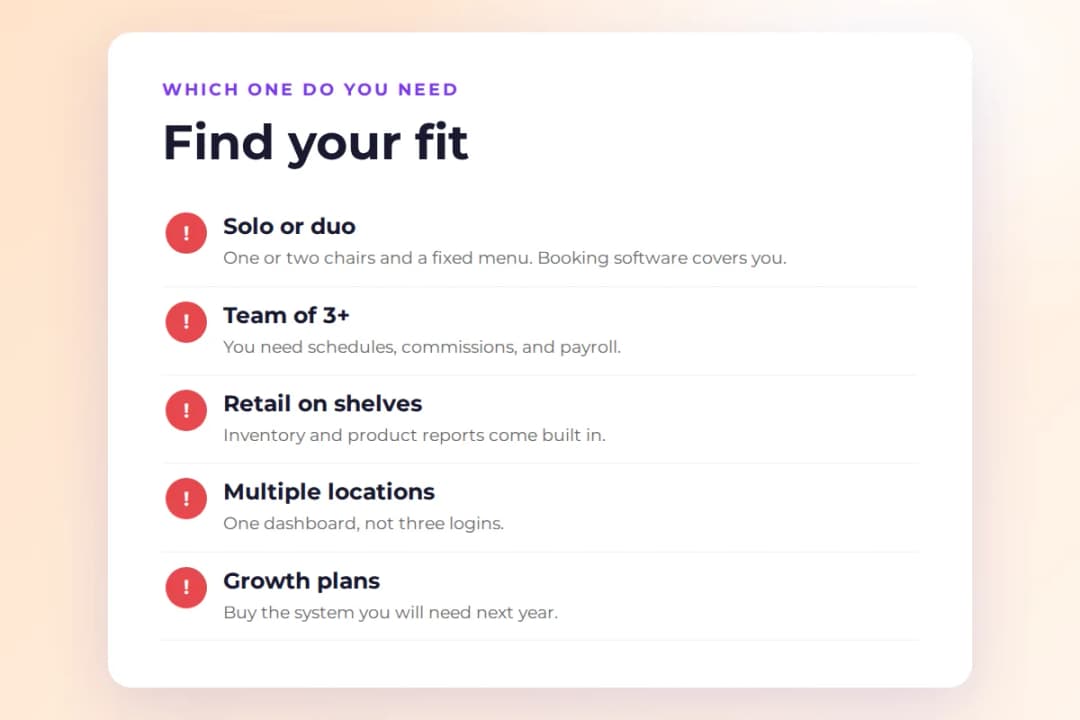
- You work alone or with one other person, and clients book standard services. Booking software is enough.
- You have three or more staff. You need schedules, commissions, and permissions. That is management software.
- You sell retail. Inventory and product reports come with management software, not with a booking calendar.
- You run more than one location. You need one dashboard, not three logins. Our multi-location guide shows what that looks like day to day.
- You want reminders, win-backs, and campaigns to run themselves. That automation layer is management software.
- You plan to grow in the next year. Buy the system you will need then, not the one that fits today.
If you checked even one box past the first, booking software will start costing you time within months.
How to pick without paying for features you never open
List what you do today, count the tools you already pay for, then trial the replacement with real data.
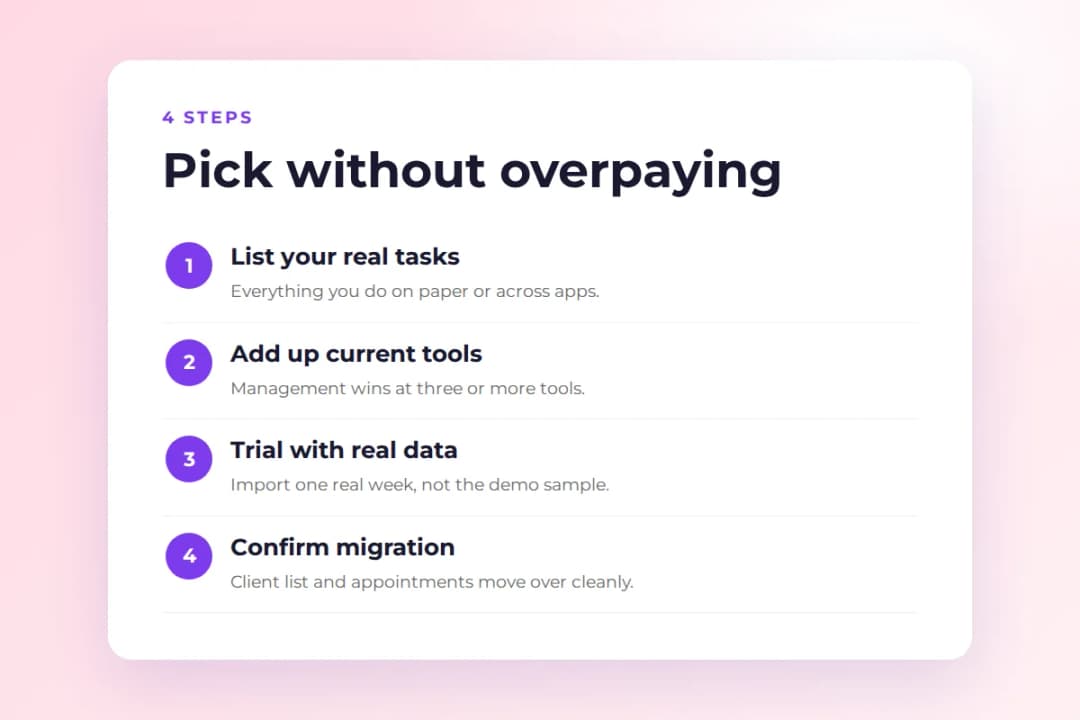
- Write down everything you do on paper or across apps: booking, reminders, payments, client notes, staff pay, marketing. That list is your real requirements, not a feature page.
- Add up what those tools cost now. Management software usually wins the moment you are paying for three or more separate tools.
- Trial with real client data, not the demo sample. I have run this exact test more times than I can count: import one real week of appointments and watch whether the calendar, reminders, and checkout behave the way your front desk actually works. The demo always looks smooth. Your data tells the truth. Start a trial here.
- Ask how migration works before you pay. Your client list, future appointments, and service menu should move over without retyping. If a vendor cannot answer that clearly, keep looking.
Frequently asked questions
Can I start with booking software and upgrade later?
Yes. Most salons start simple and move up when the team grows. Pick a vendor that lets you upgrade inside the same account so your client history carries over.
Is management software worth it for a solo stylist?
Usually not at the start. If you have no staff, no retail, and a fixed menu, booking software covers you. Revisit the question when you hire or add services.
Do these tools replace my front desk?
They replace the scheduling and reminder part of it. Someone still greets clients and handles the exceptions software cannot, like a walk-in during a packed Saturday.
What happens to my client list if I switch systems?
Your client data belongs to you. Any serious platform imports it from a CSV or your old system during onboarding. Confirm this before you sign anything.
The short version
Booking software fills your calendar. Management software runs the business that calendar belongs to. Match the software to the size of the operation you run today, with room for where it is headed, and you will not pay for features you never open.
Last verified: October 14, 2026.